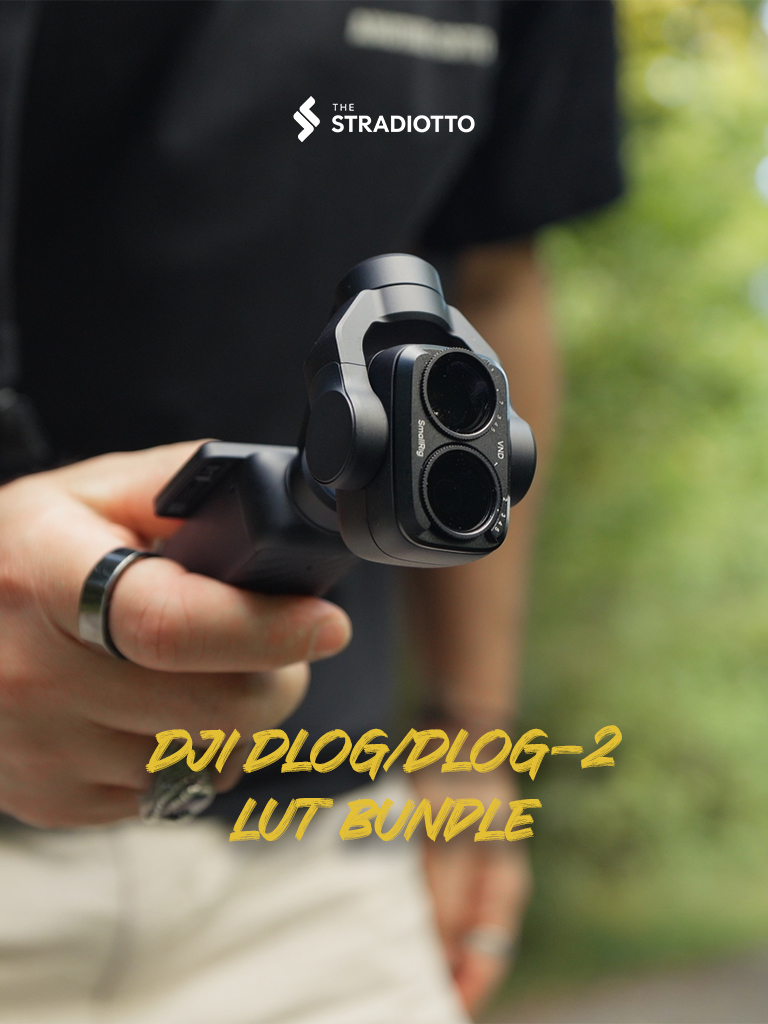
Shop / LUTs / D-Log + D-Log 2 Bundle
LUTs for DJI Osmo Pocket 4P & Pocket 4
Flat DJI footage in. Finished grade out.
14 LUTs for the Osmo Pocket 4P & Pocket 4, built on my own shoots. Apply the conversion LUT, pick a creative look, adjust exposure. That's it, no colour-grading course required.
Secure checkout by Stripe · price shown in your currency at checkout
Digital download, delivered instantly. All sales final, no refunds. Problem with a file? Email me and I will fix it.







Before / after
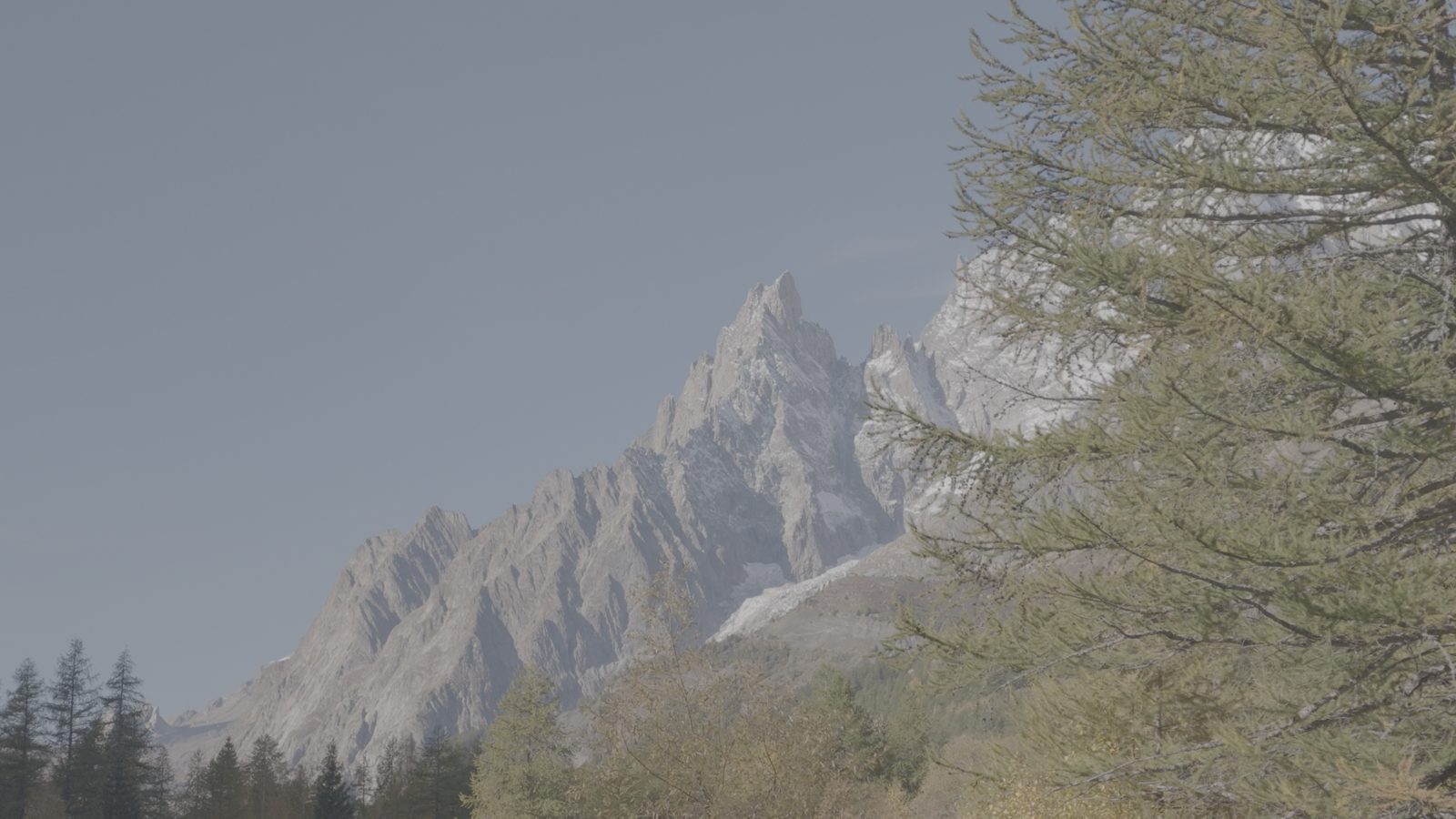
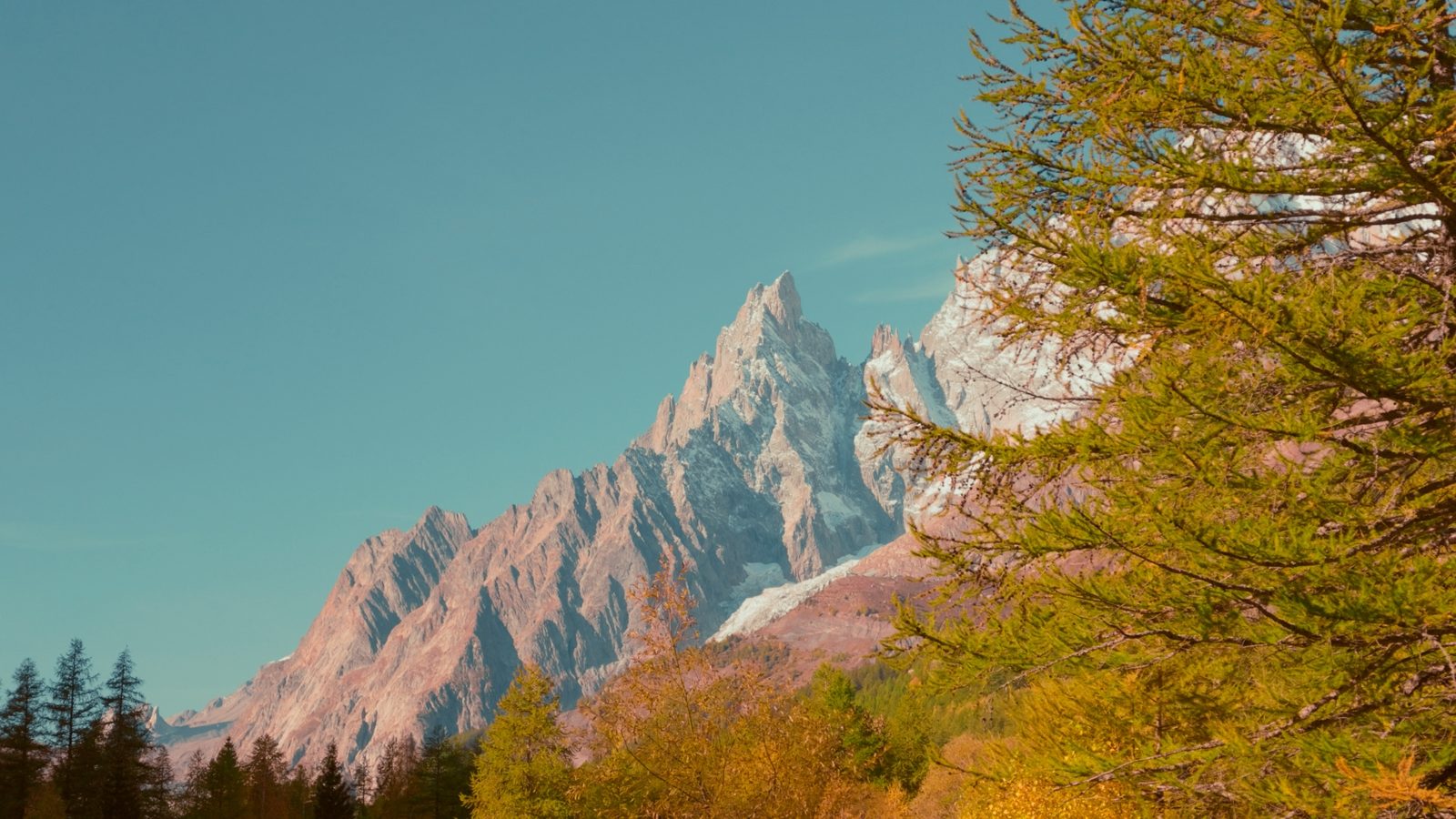
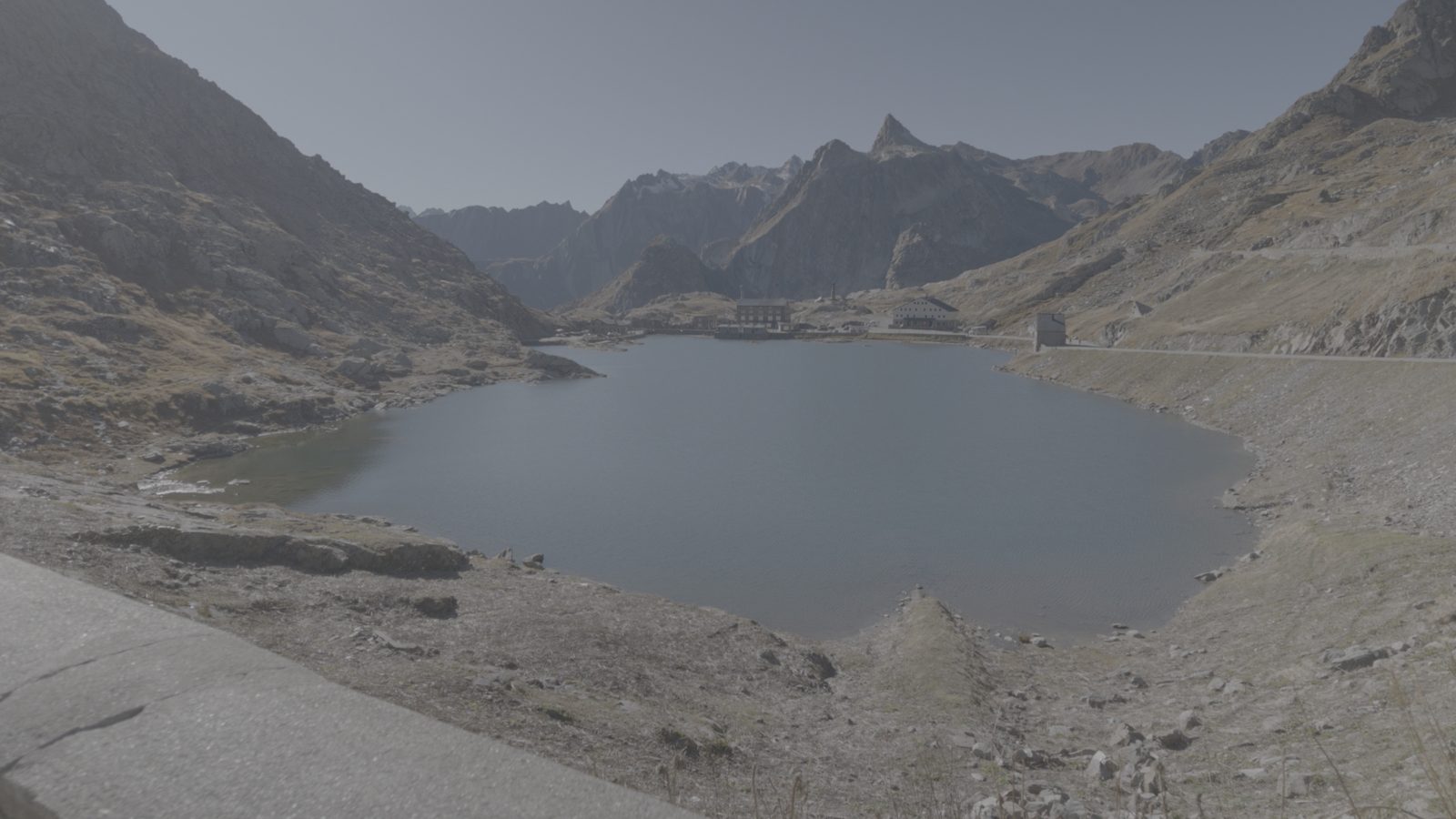
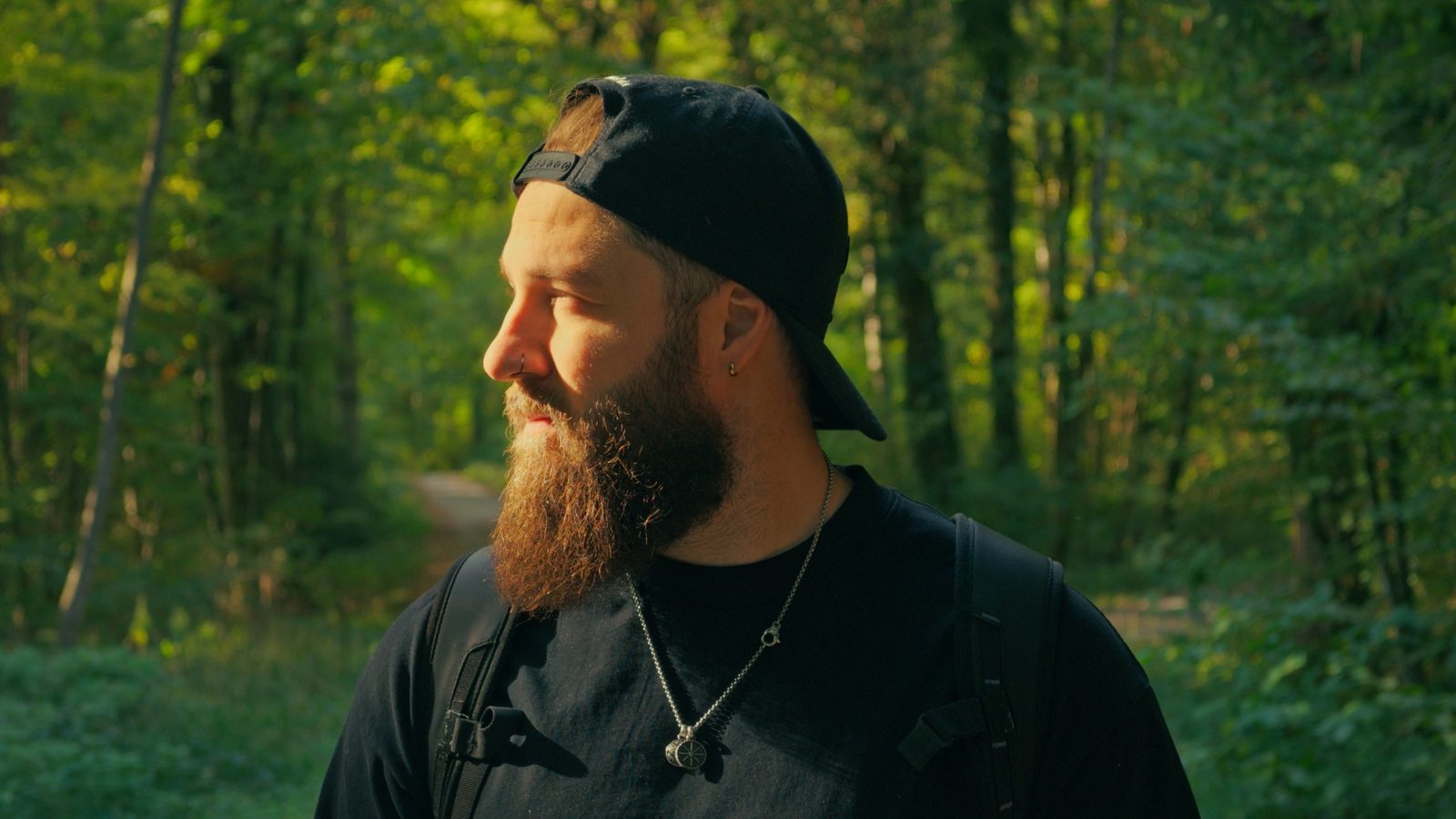
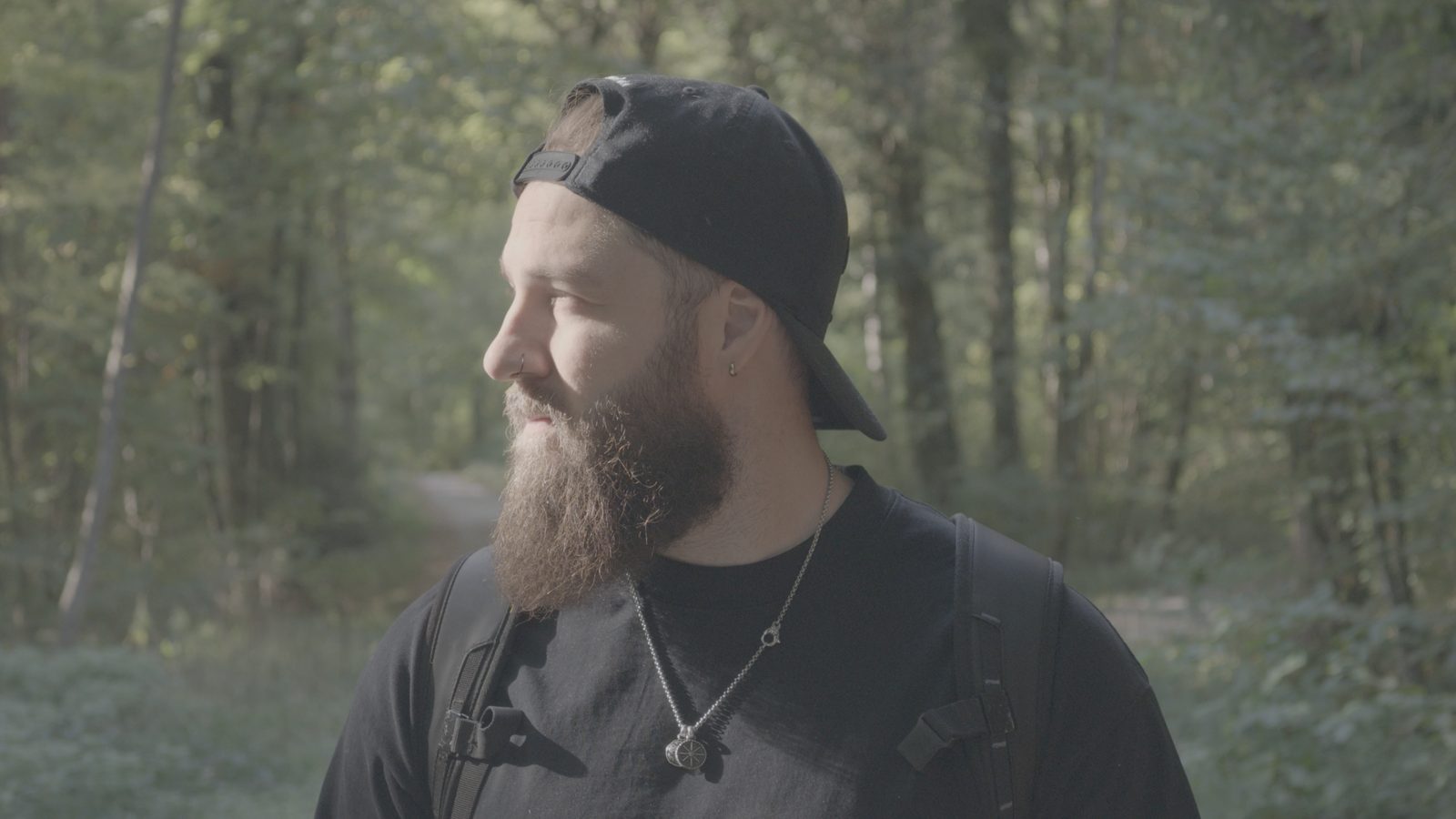
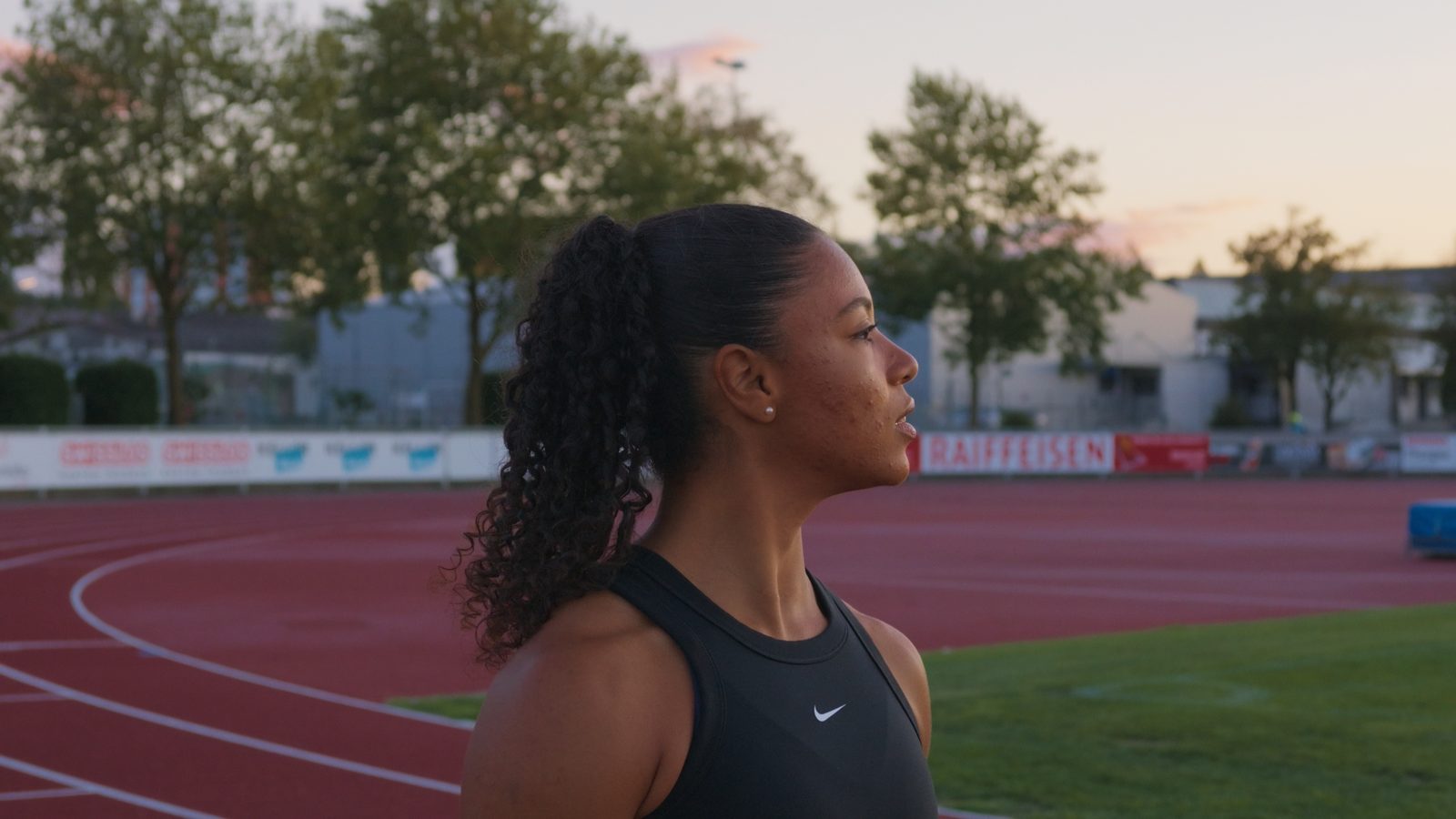
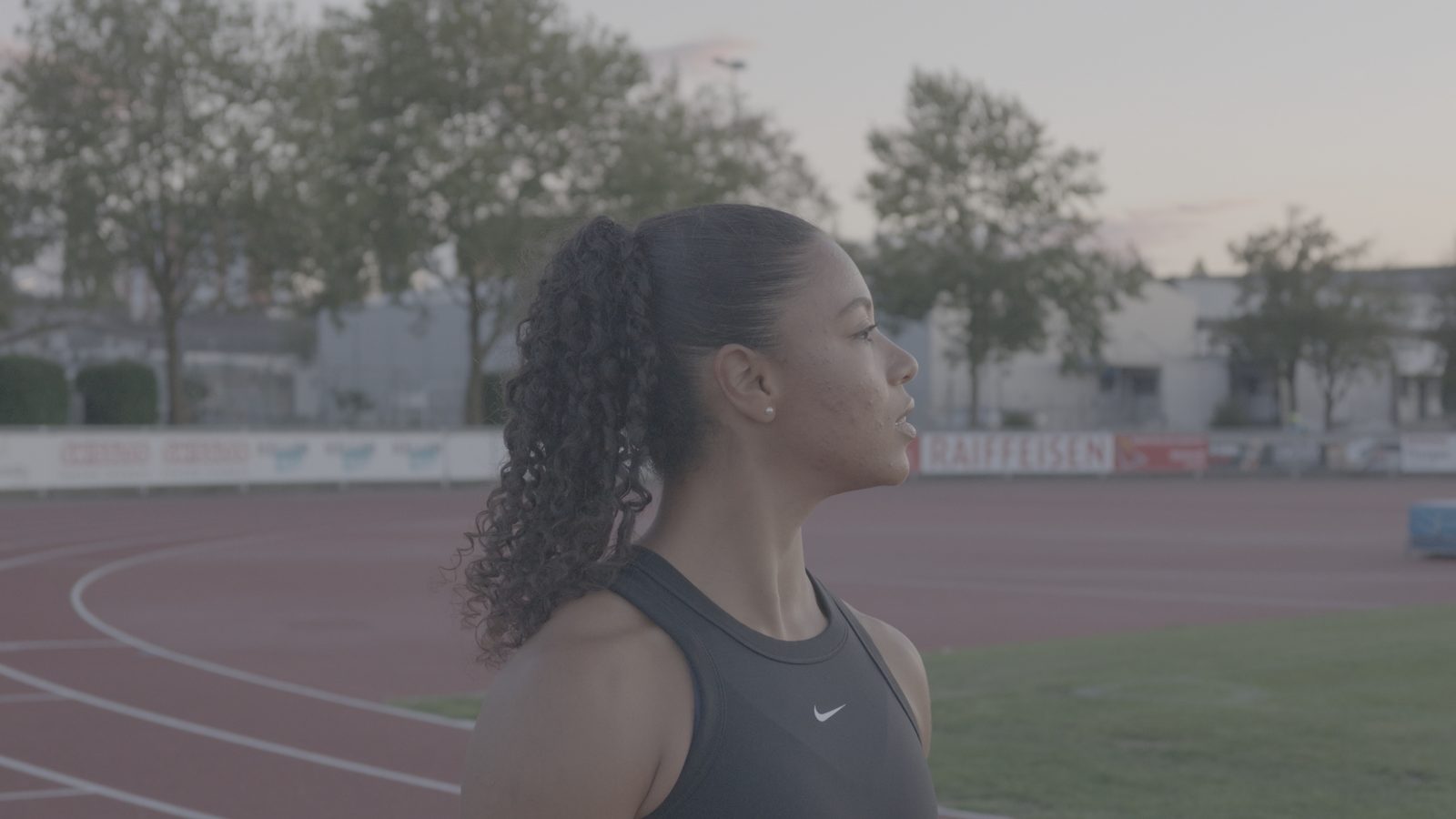
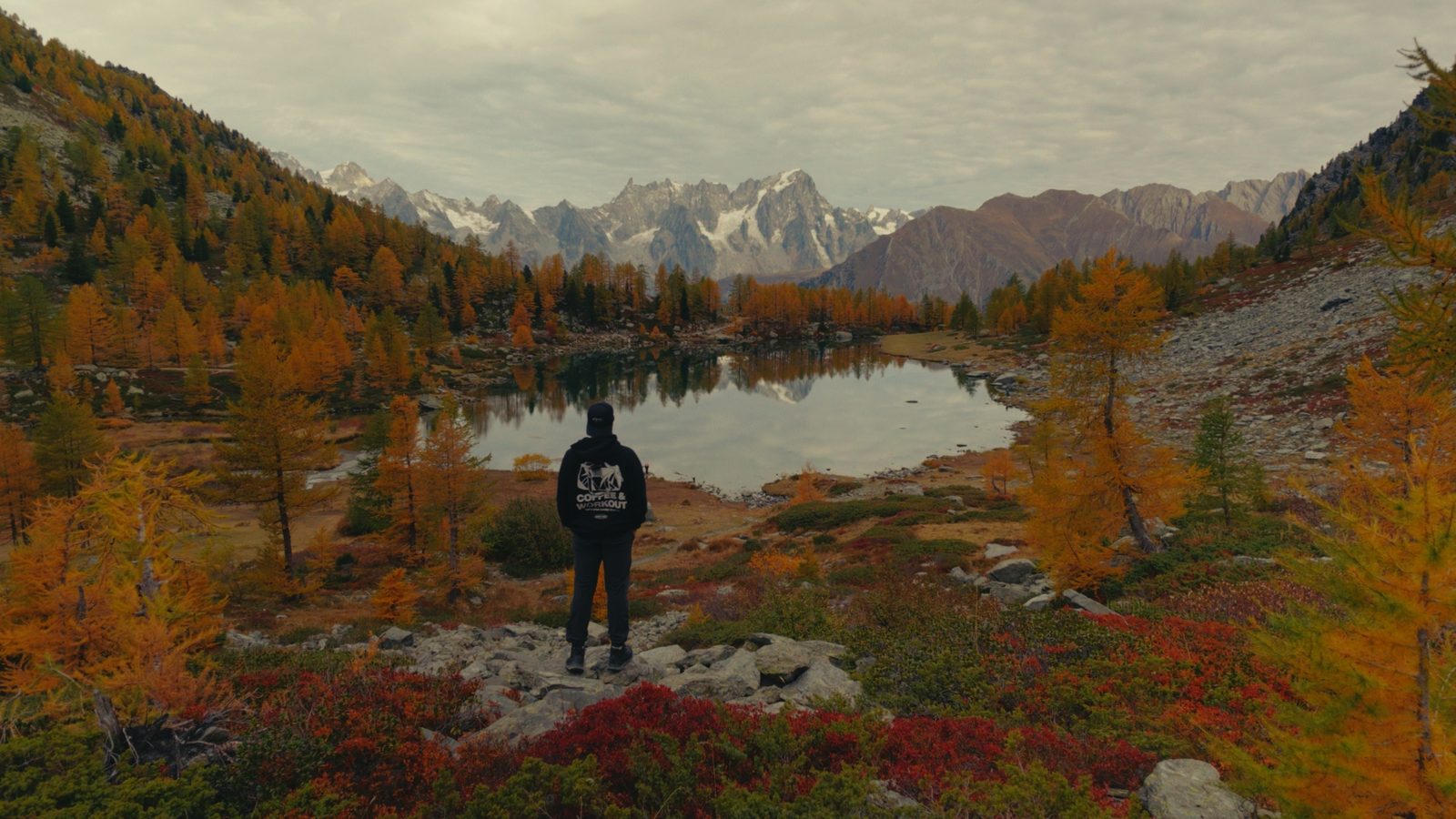
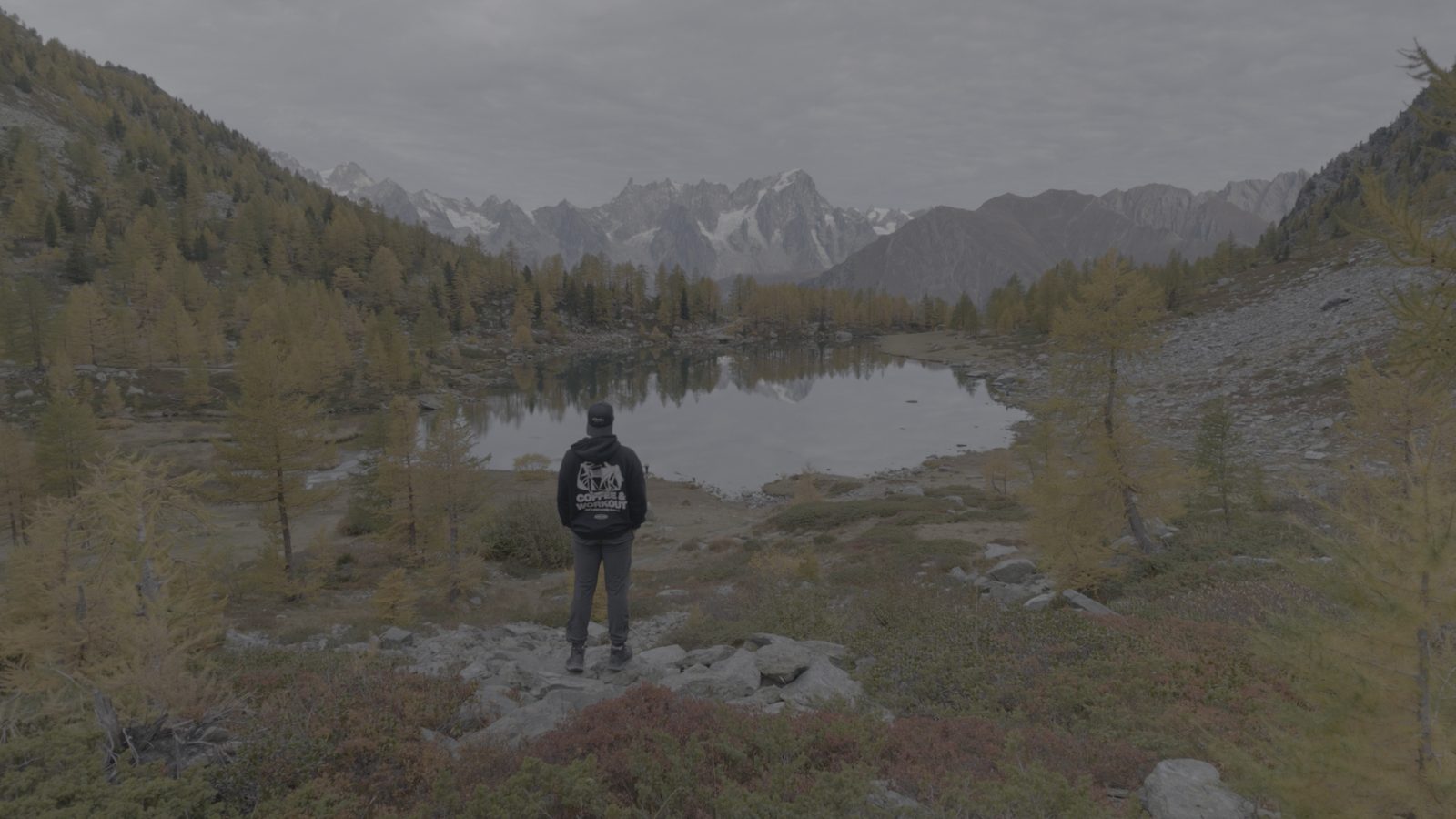
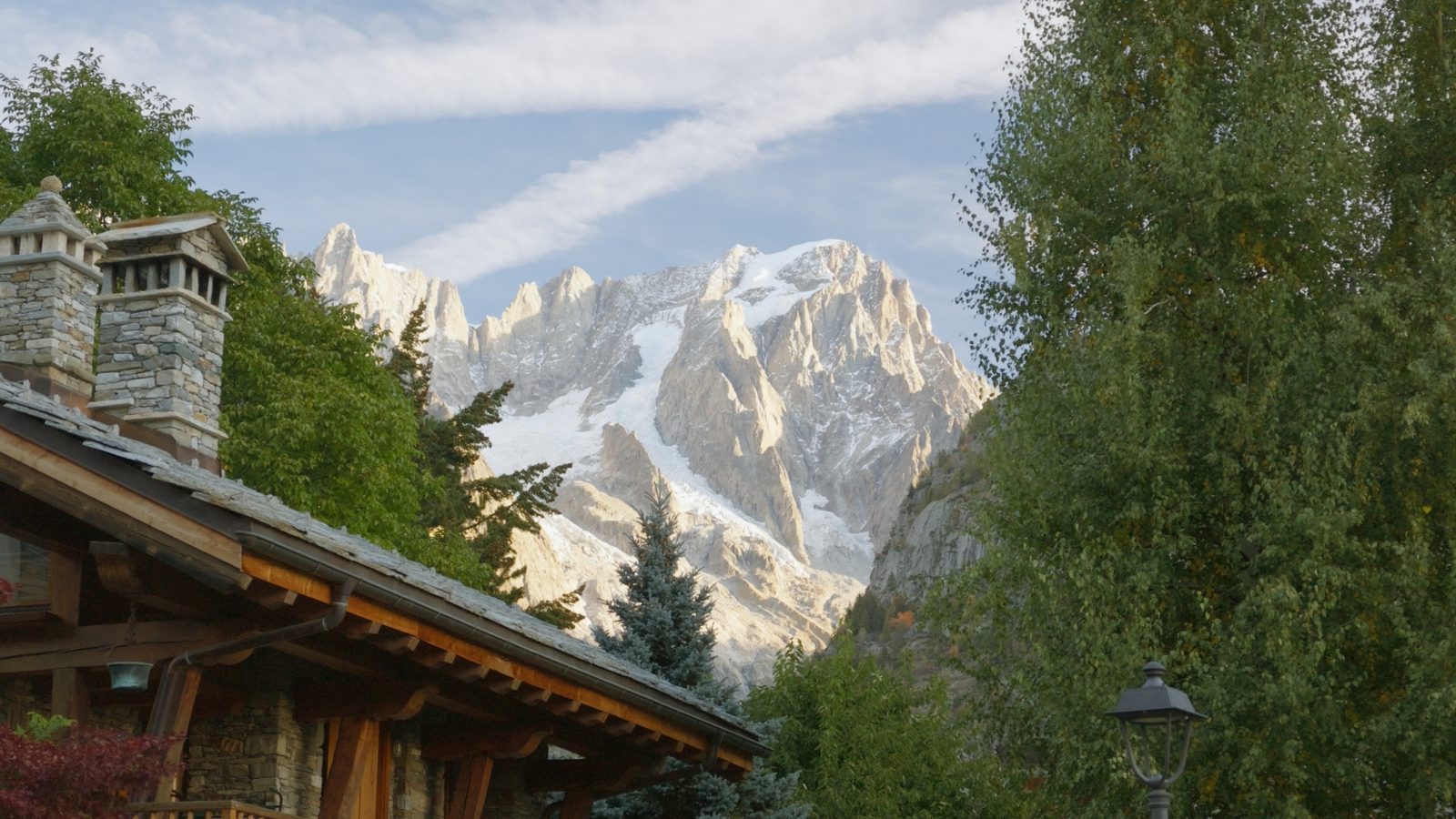
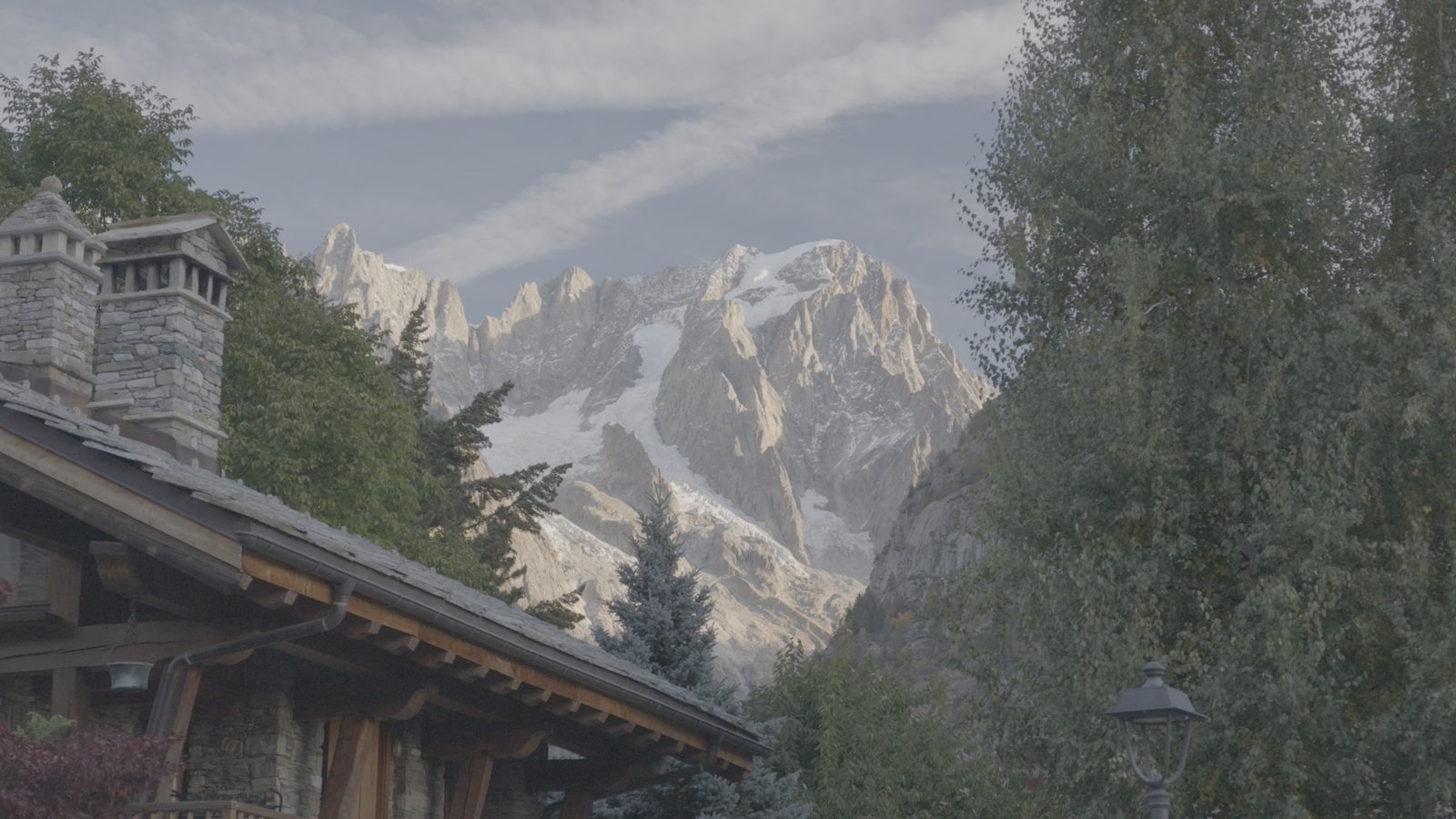
Drag the line. That's the pitch.
Camera-original log on the left, one Stradiotto look on the right. Same frame, nothing else touched.
How it works
Three steps. About two minutes.
- 01Apply the conversion LUTPick the one for your profile, D-Log or D-Log 2. Your flat footage gets proper contrast and colour.
- 02Add a creative lookStack one of the creative styles on top to set the mood: warm, clean, moody, cinematic.
- 03Fine-tune and exportNudge exposure and white balance for your shot. LUTs are a starting point, not a filter.
In the download
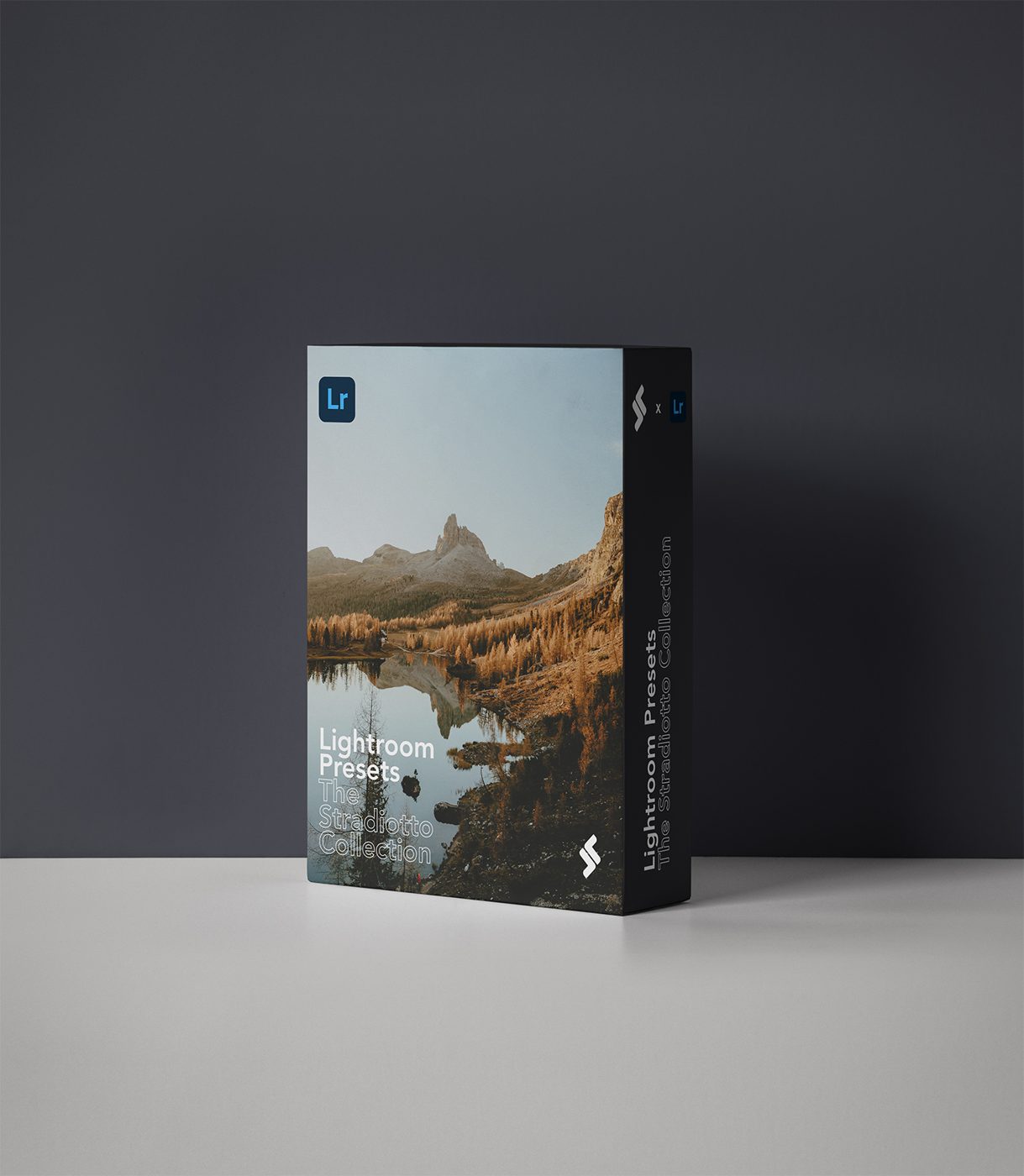
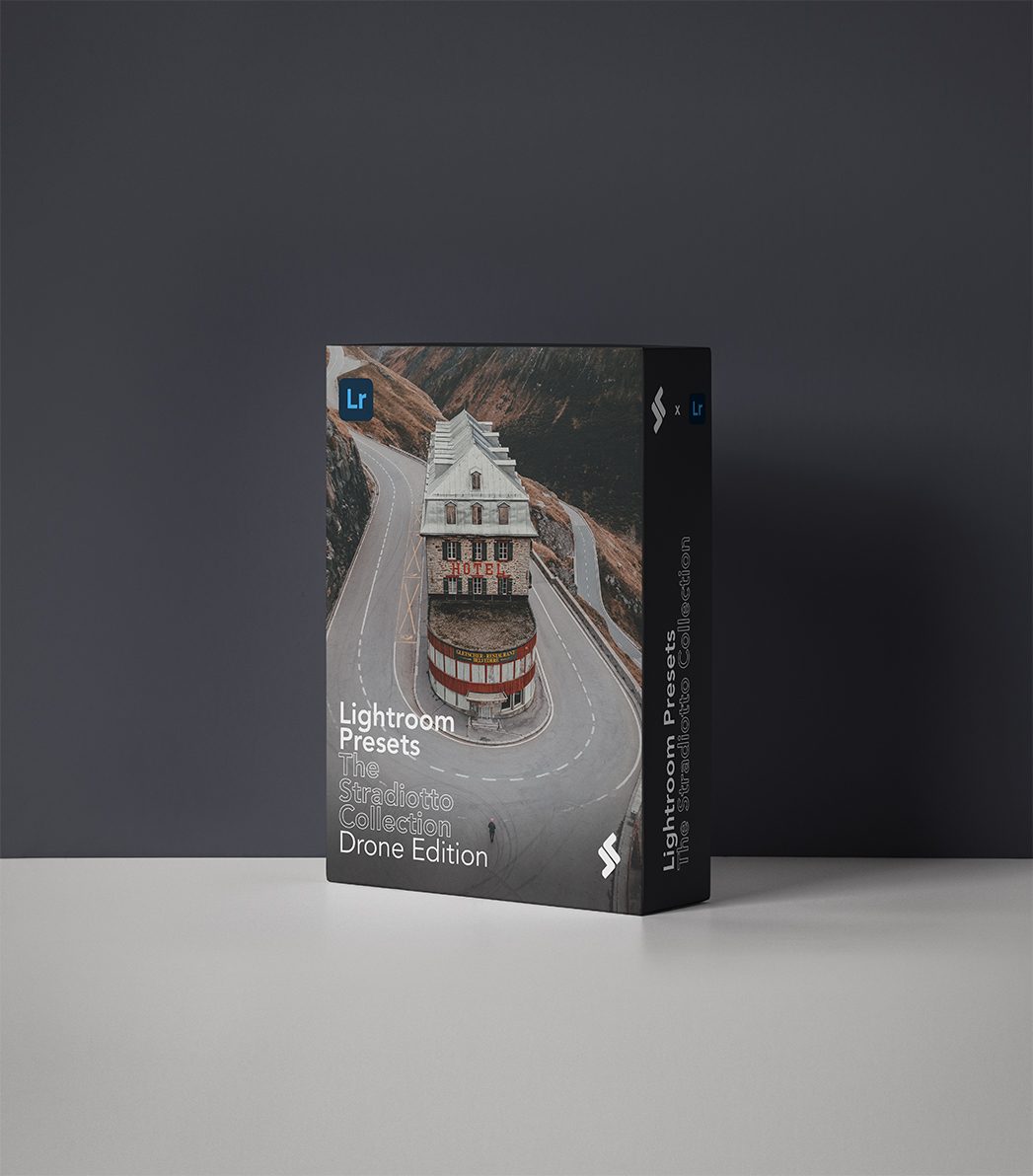
- D-Log set1 conversion + 7 looks
- D-Log 2 set1 conversion + 5 looks
- File format.cube
- Installation guideIncluded
D-Log looks: Silver Warm, Chill Morning, Natural Warm, Mont Blue, Faded Cold, Vintage.
D-Log 2 looks: Mountain Stroll, Sunset Film, Golden High, Happy Day, Get Moody.
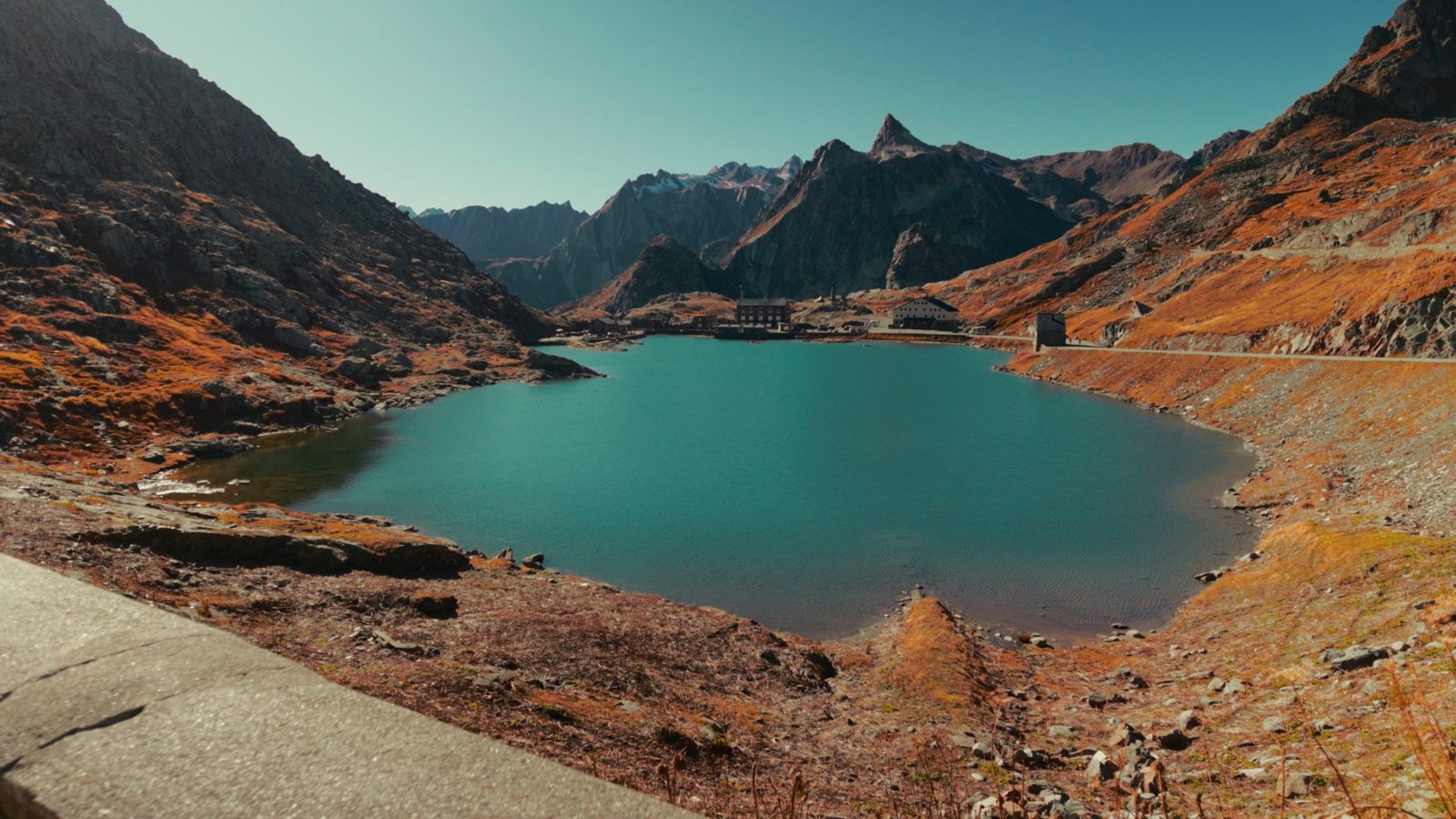
Graded with this pack
See it in real videos.
For brands
Want this look on your brand? I'll shoot it too.
Photography and film for brands, from Zurich, campaigns, product, outdoor and automotive. Shot and graded by the person who made these LUTs.
Questions
Before you buy.
Something else? Email me, I answer myself.
Refund policy
This is a digital product that is delivered instantly, so all sales are final and I do not offer refunds.
If the files are damaged, missing or will not open, email hello@thestradiotto.com with your order email and I will fix it or send a replacement. Not sure if it fits your camera or software? Ask before you buy.
Made for the DJI Osmo Pocket 4P and Pocket 4. Use the D-Log set or the D-Log 2 set that matches the profile you record in.
The LUTs are standard .cube files, so they load in DaVinci Resolve, Premiere Pro, Final Cut Pro, CapCut and LumaFusion. The installation guide in the download covers the setup.
Close to it. Apply the conversion LUT first, add a creative look on top, then adjust exposure and white balance for your shot. Every clip is different, so expect small tweaks.
Right after payment you get a download link on screen and by email. Download on a desktop computer, unzip, and import.
Personal and commercial projects are fine. Do not resell, share or redistribute the LUT files.
The bundle includes 14 LUTs: 8 for D-Log and 6 for D-Log 2, plus an installation guide. Each LUT is a standard .cube file.
Use the set that matches the profile you record in. Check your camera's colour profile setting: if it says D-Log, use the D-Log set; if it says D-Log 2, use the D-Log 2 set. The bundle has both, so you are covered if you switch.
Almost always it is the wrong profile or exposure. Make sure the LUT matches your recording profile, check your exposure, and set the right input colour space in your editor. The installation guide walks through it.
They are built and tested for the DJI Osmo Pocket 4P and Pocket 4. They may work on other flat profiles, but results will vary and I cannot promise a match. Ask me before you buy.
No. These are digital downloads delivered instantly, so all sales are final. If a file is broken or will not open, email me and I will fix it quickly.
Unzip the download. Inside are .cube files.
DaVinci Resolve: copy them into the Resolve LUT folder, then refresh the list. Premiere Pro: open Lumetri Color, choose Browse in the Look menu and pick a .cube file. Final Cut Pro: add the Custom LUT effect and choose Install LUT.
Apply a LUT to your clip and adjust the strength to taste.
Not ready yet? Try one look free.
Get a free D-Log look by email, plus new videos and colour notes. Unsubscribe any time.