Shop / Lightroom presets / Collection Preset Pack V1
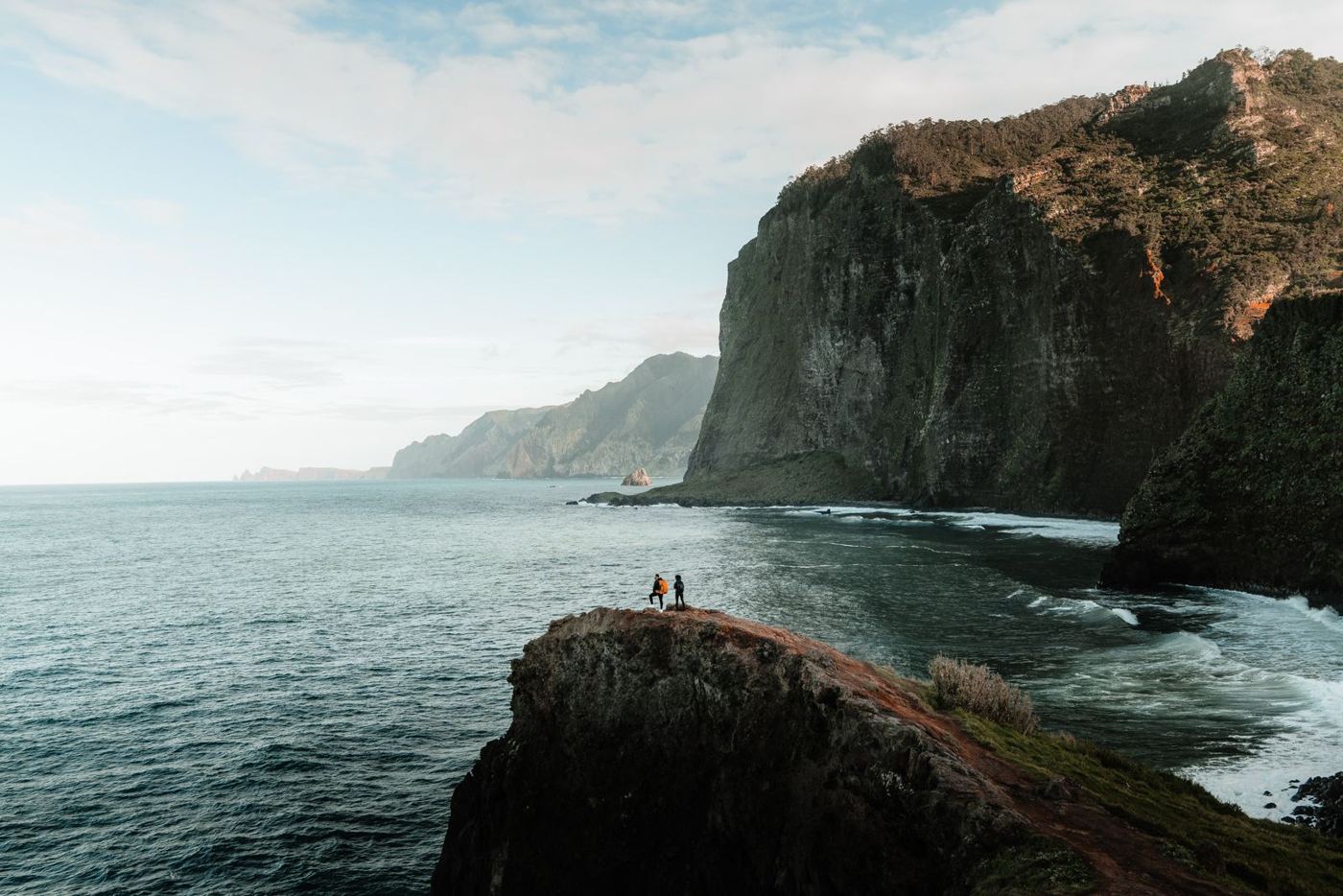
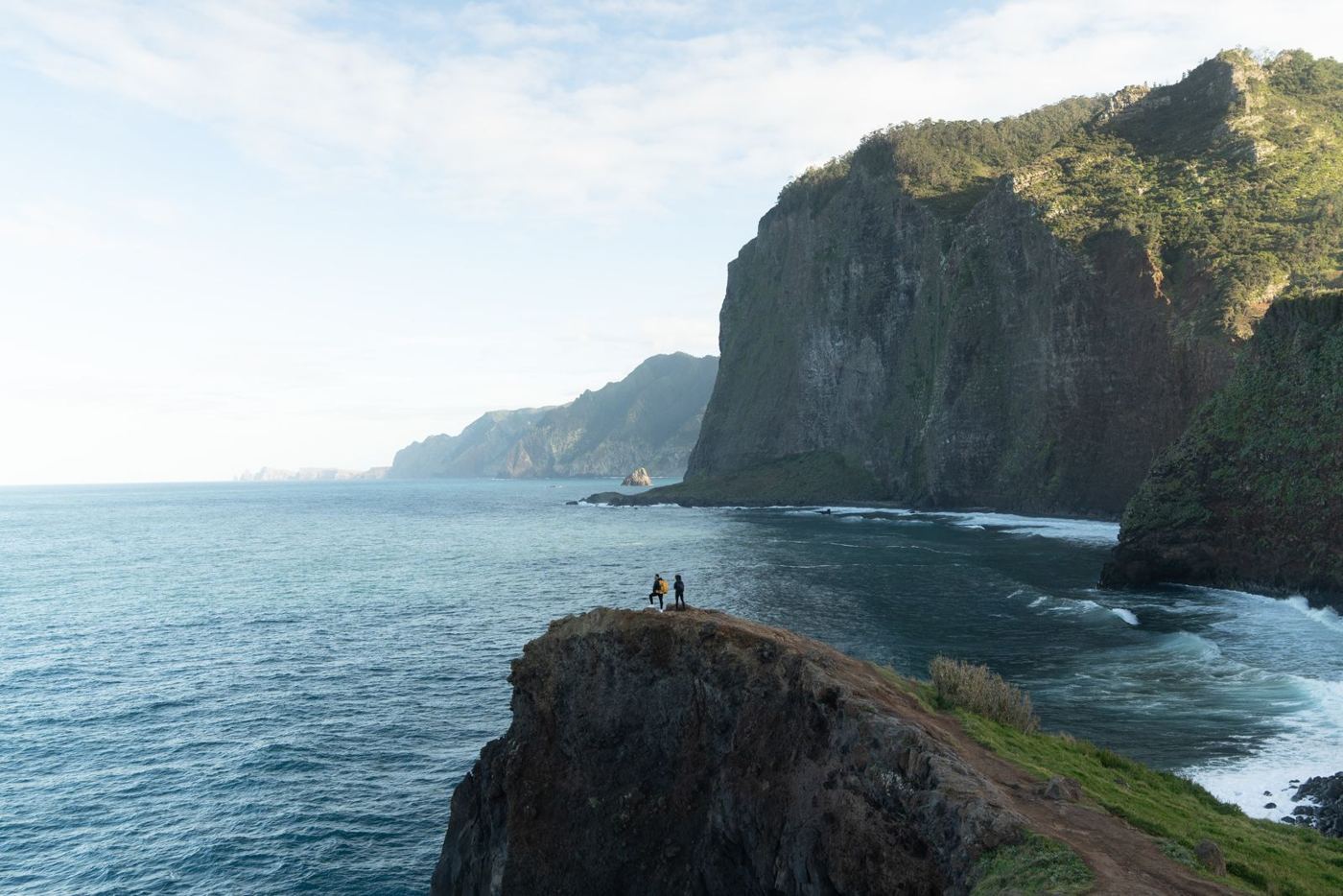
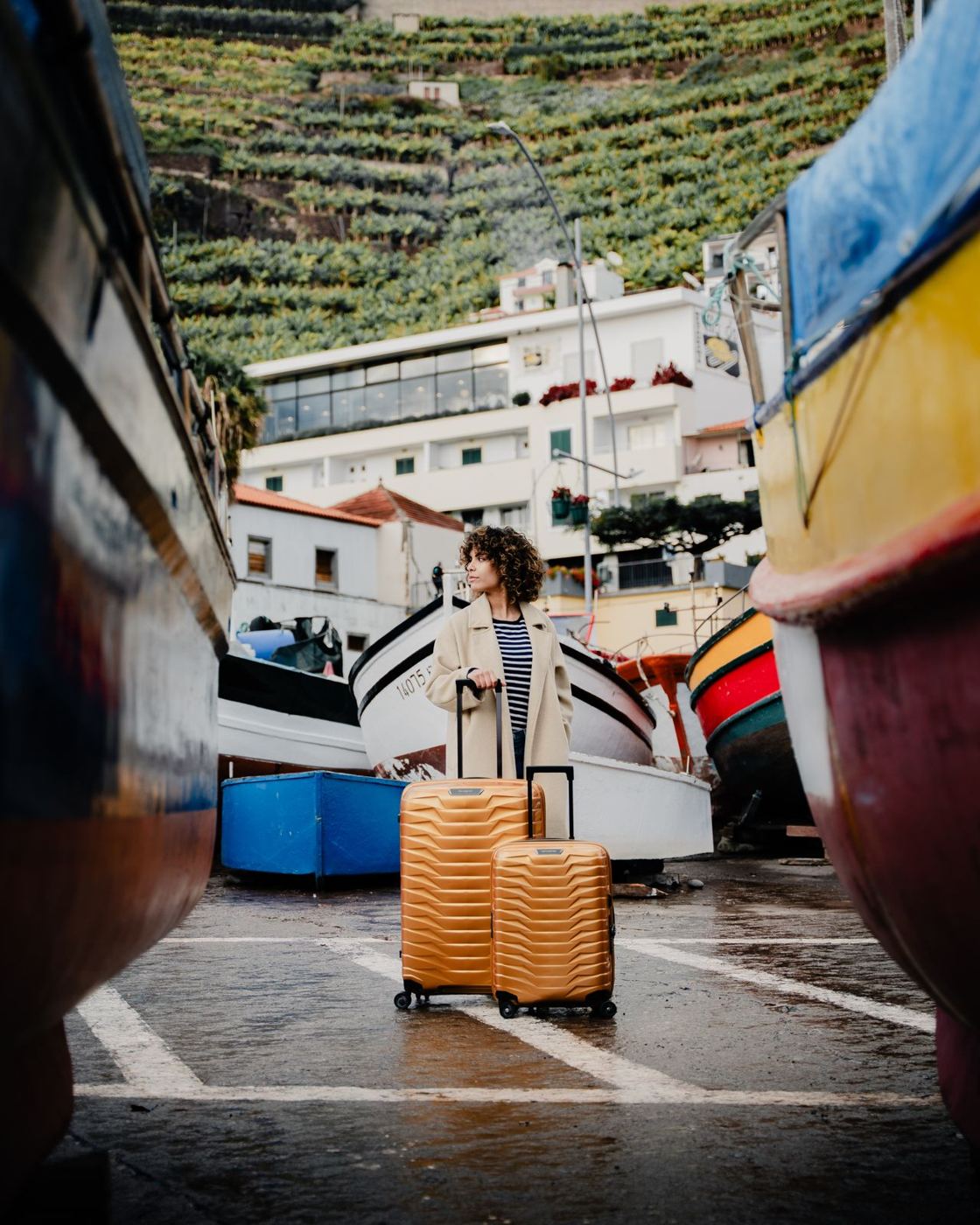

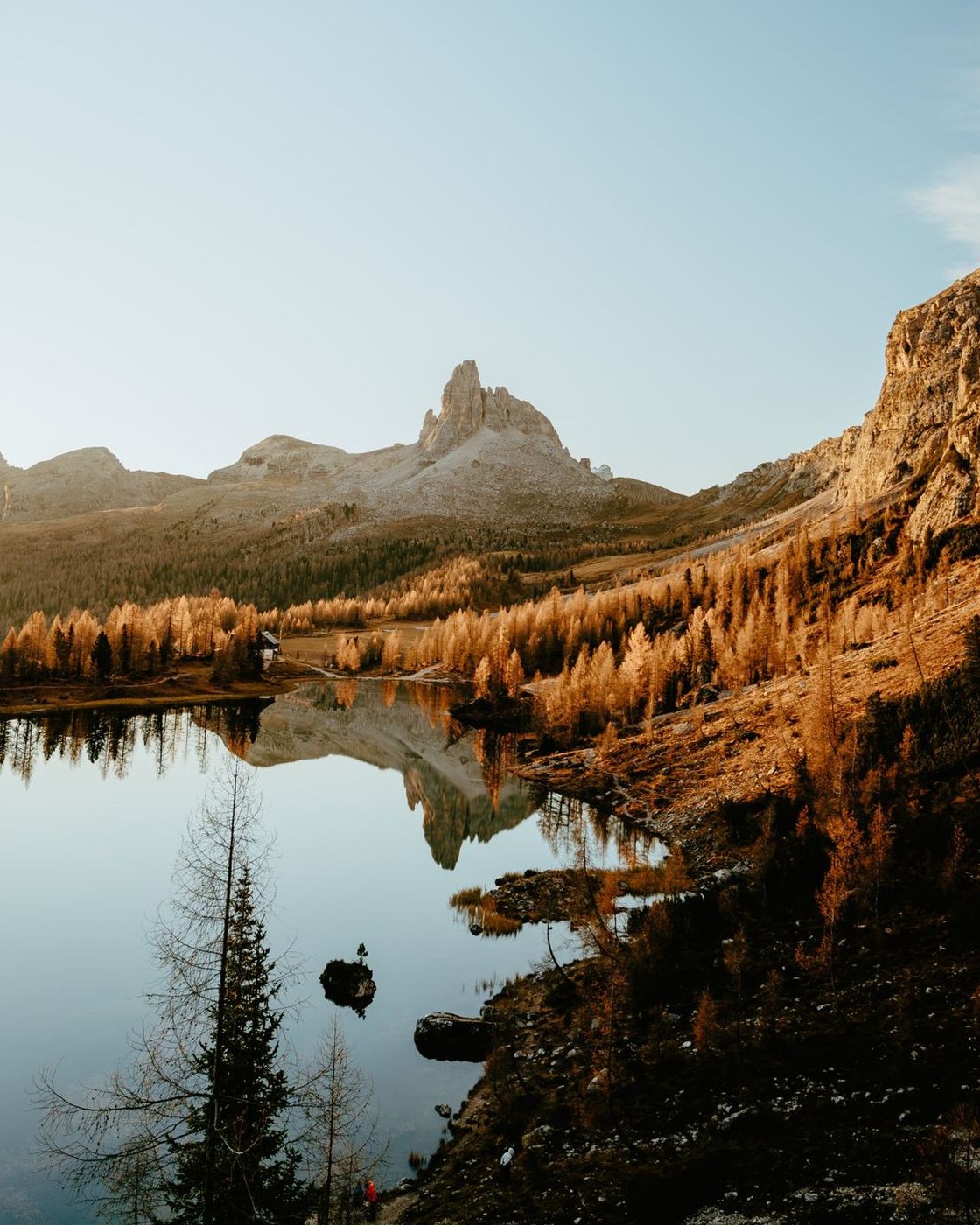
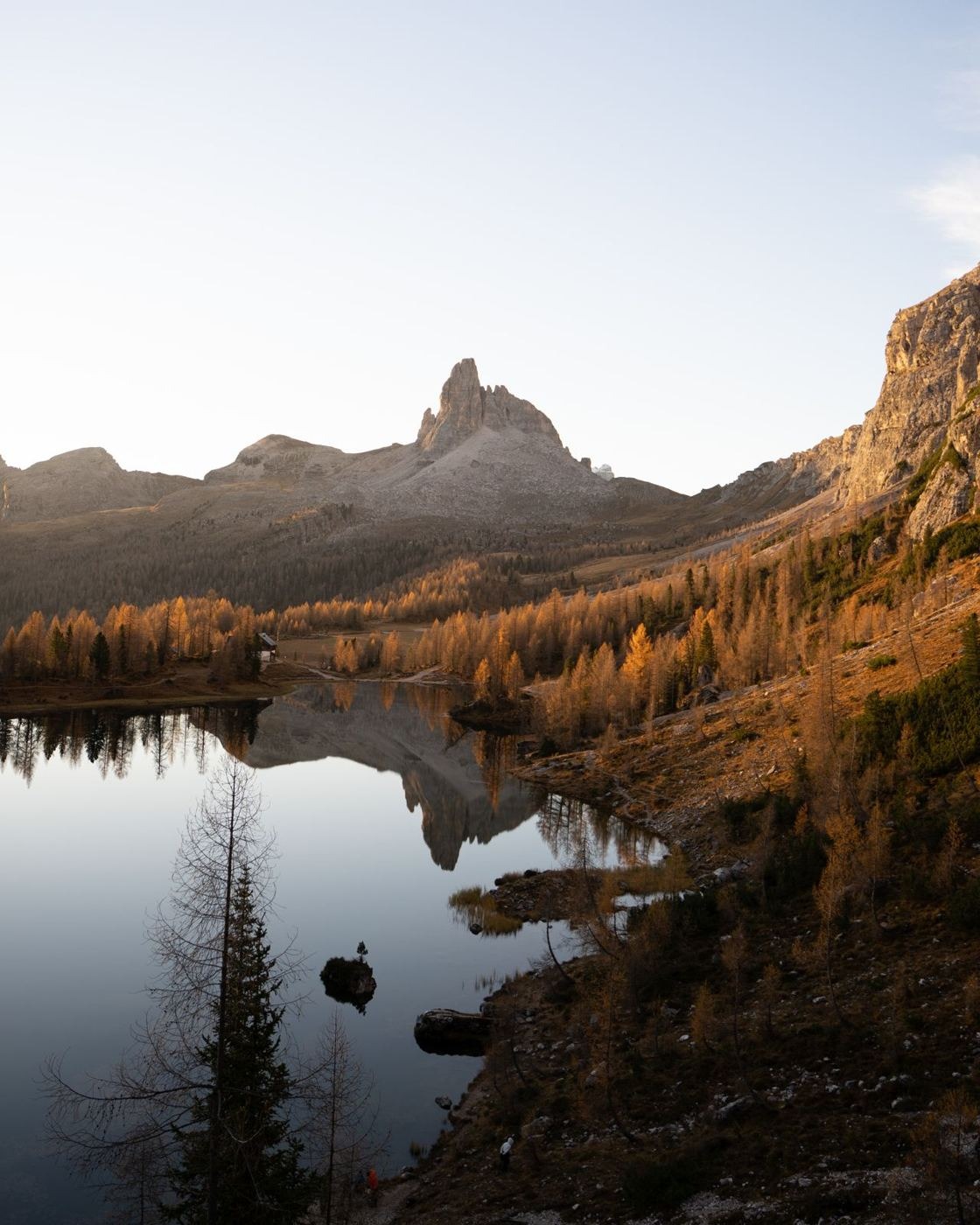
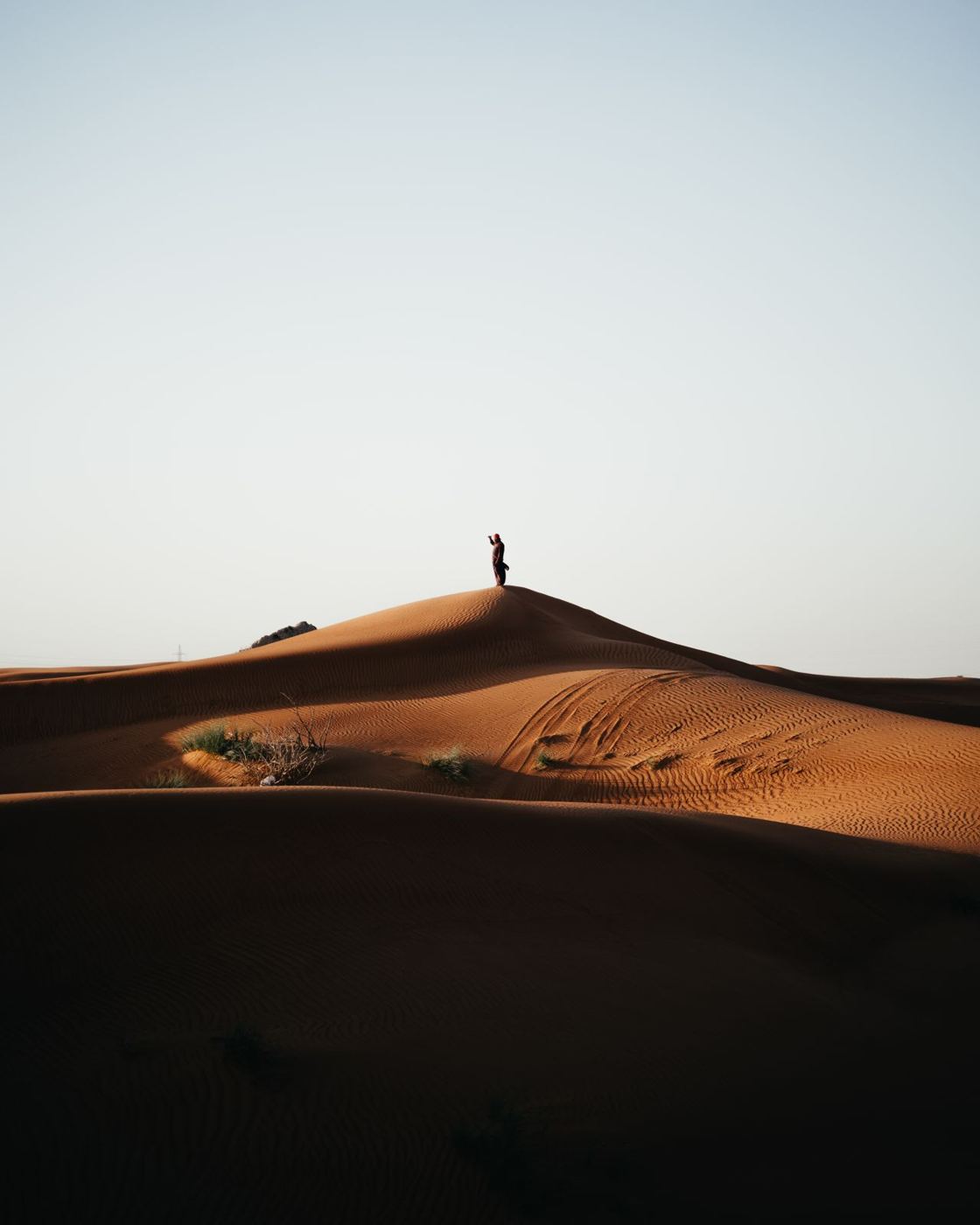
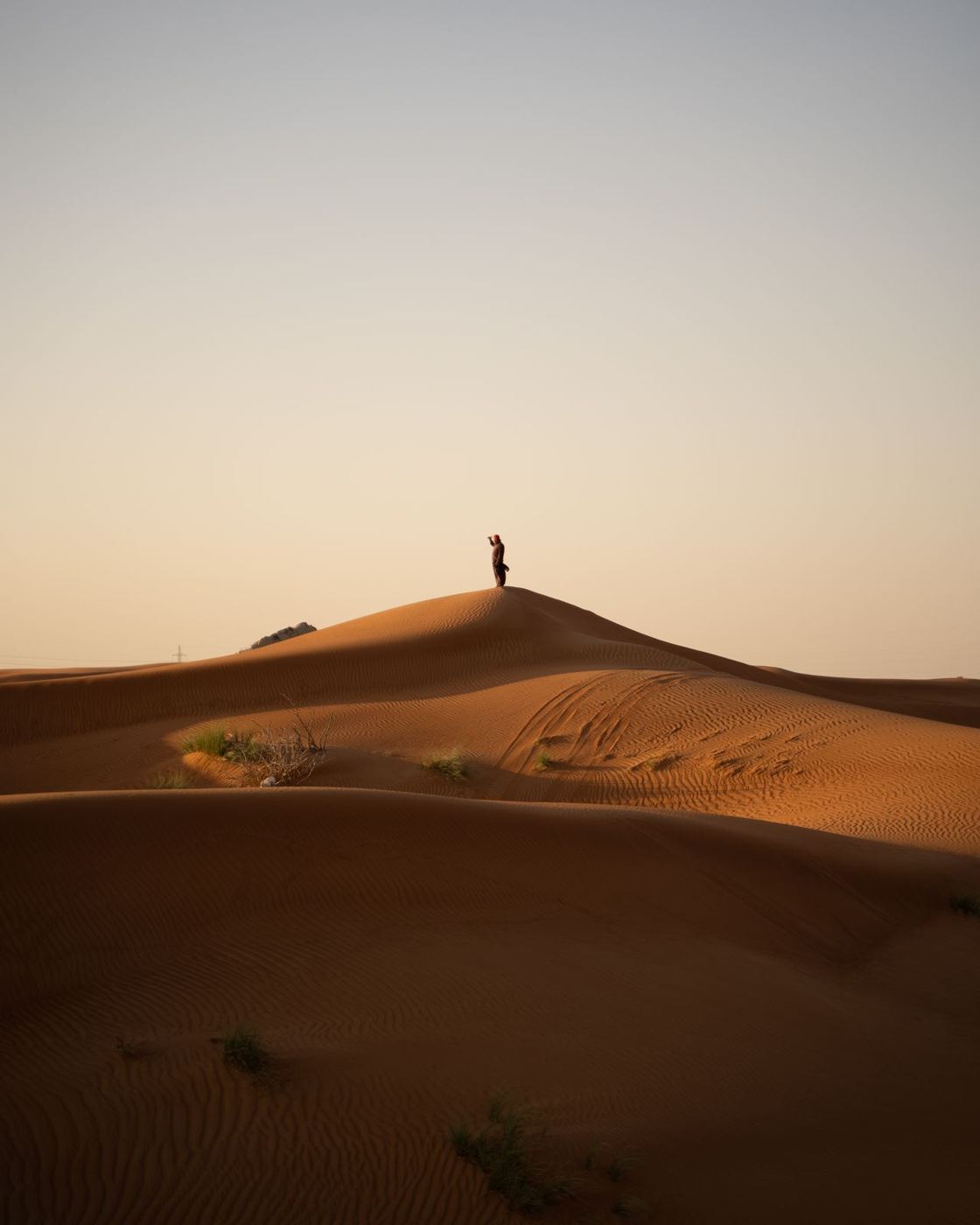
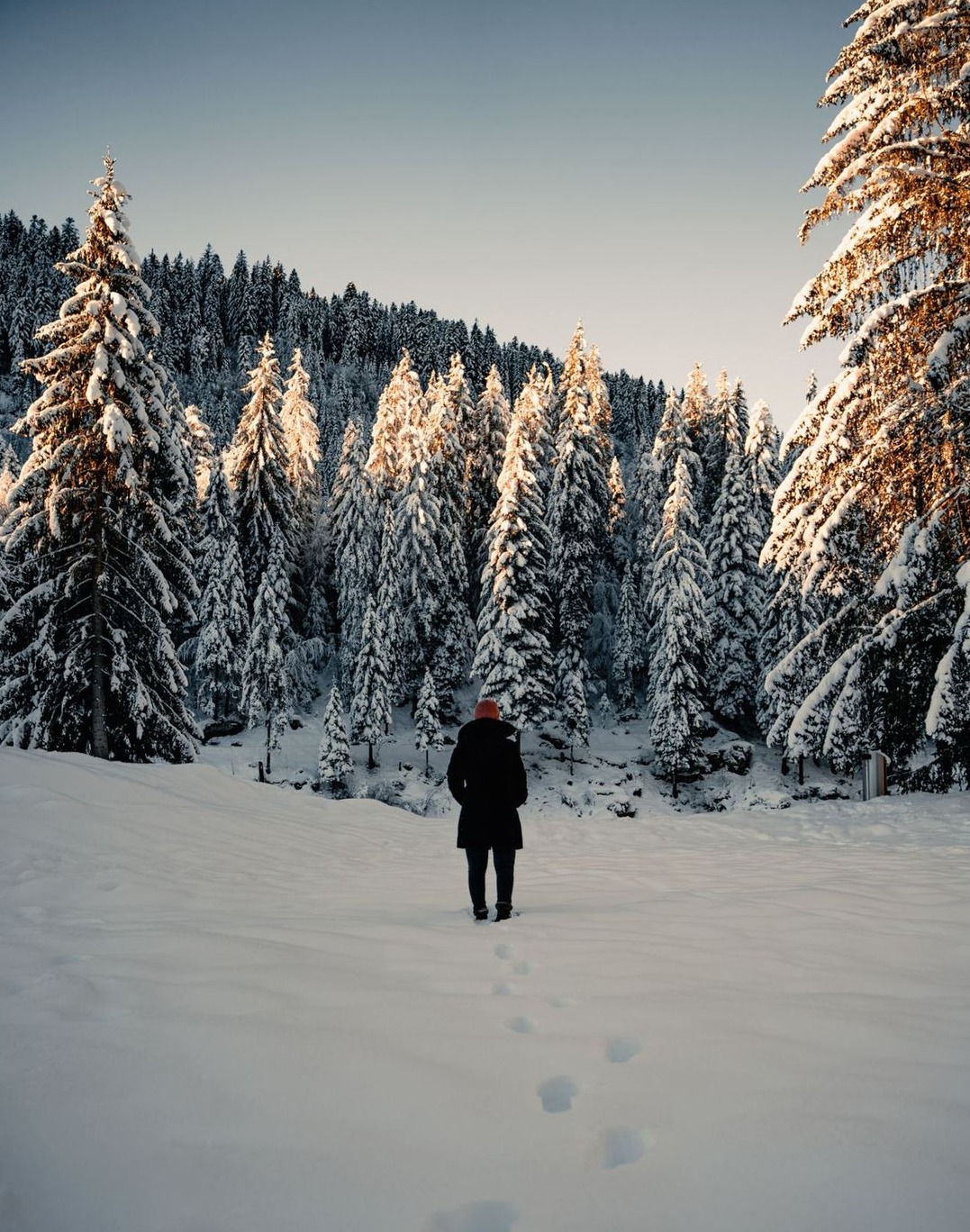
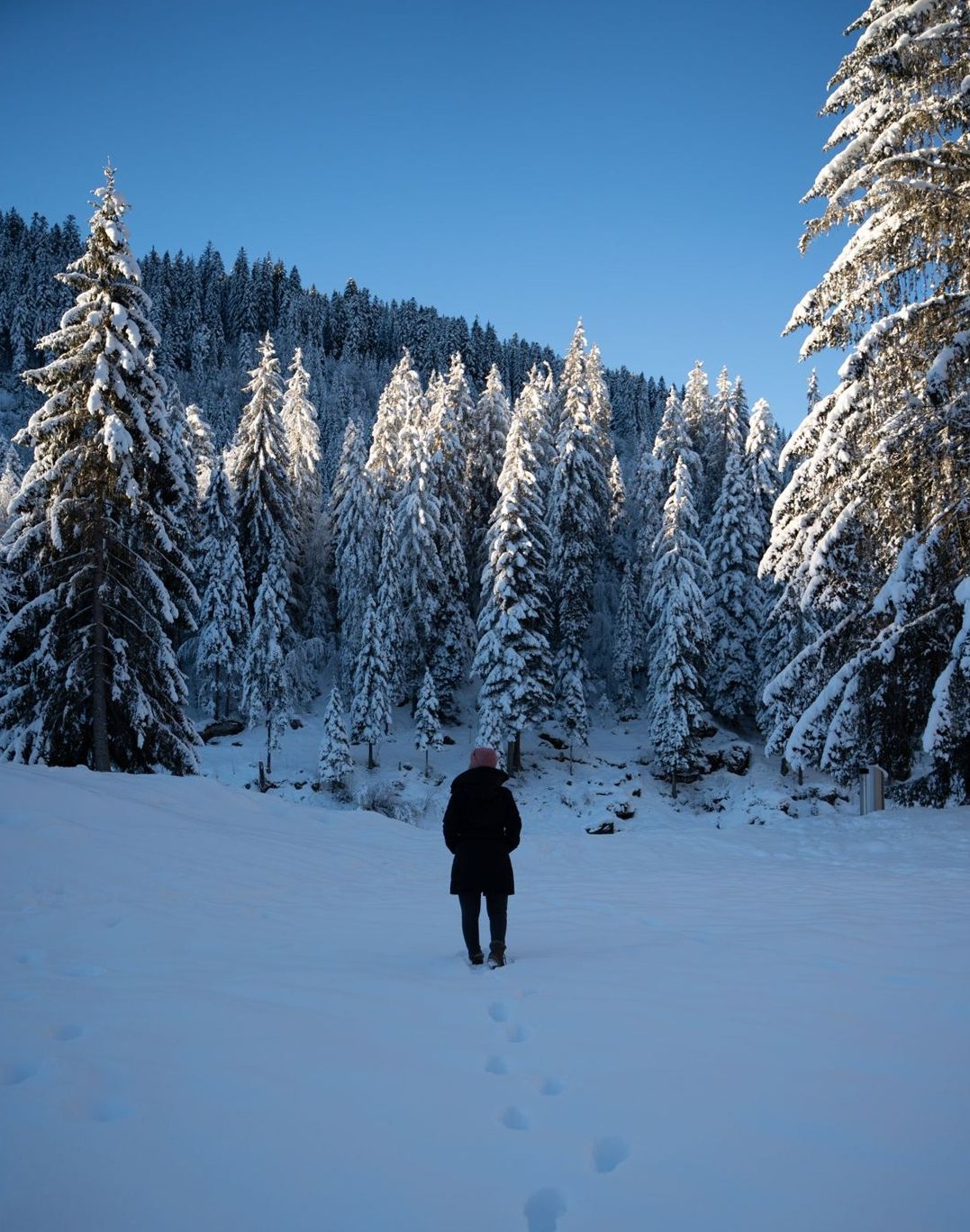
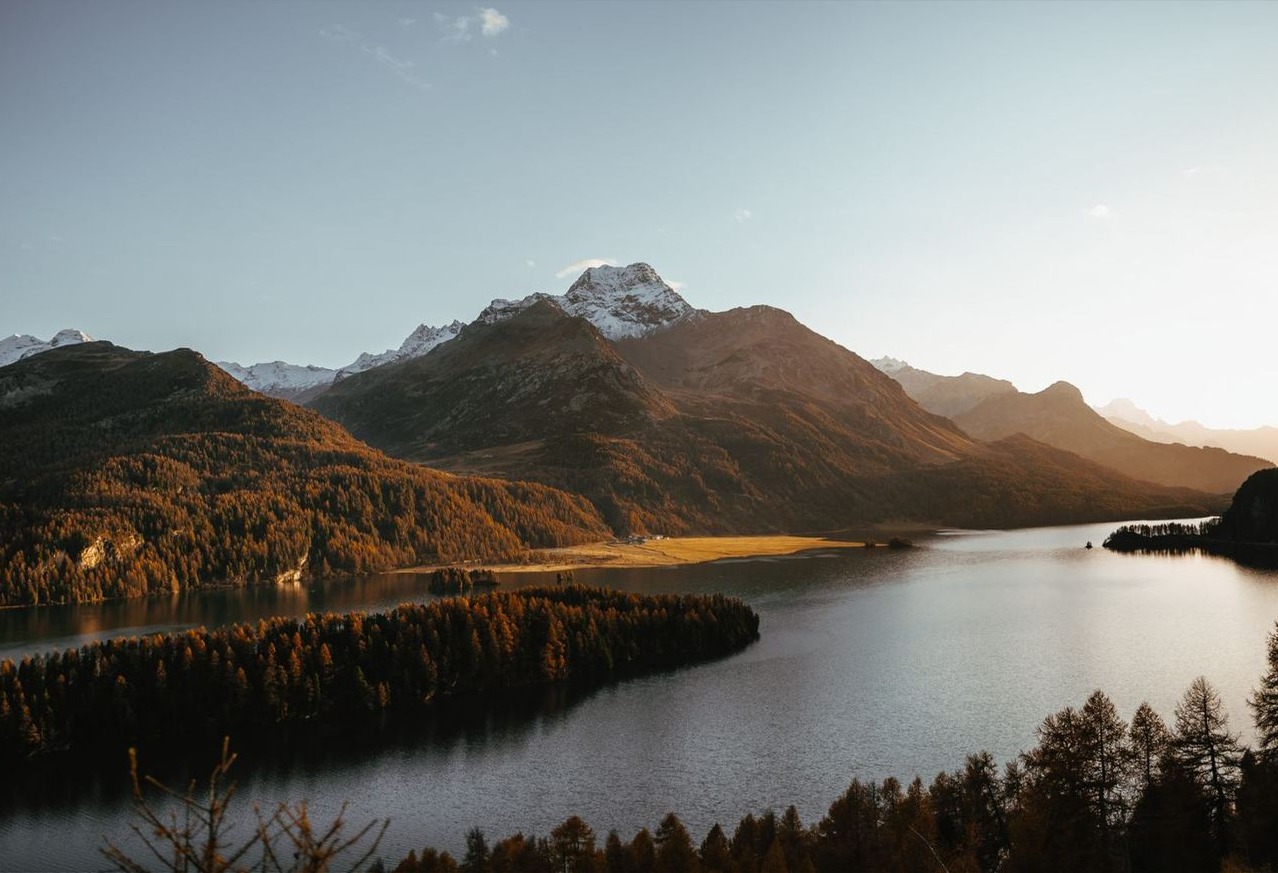
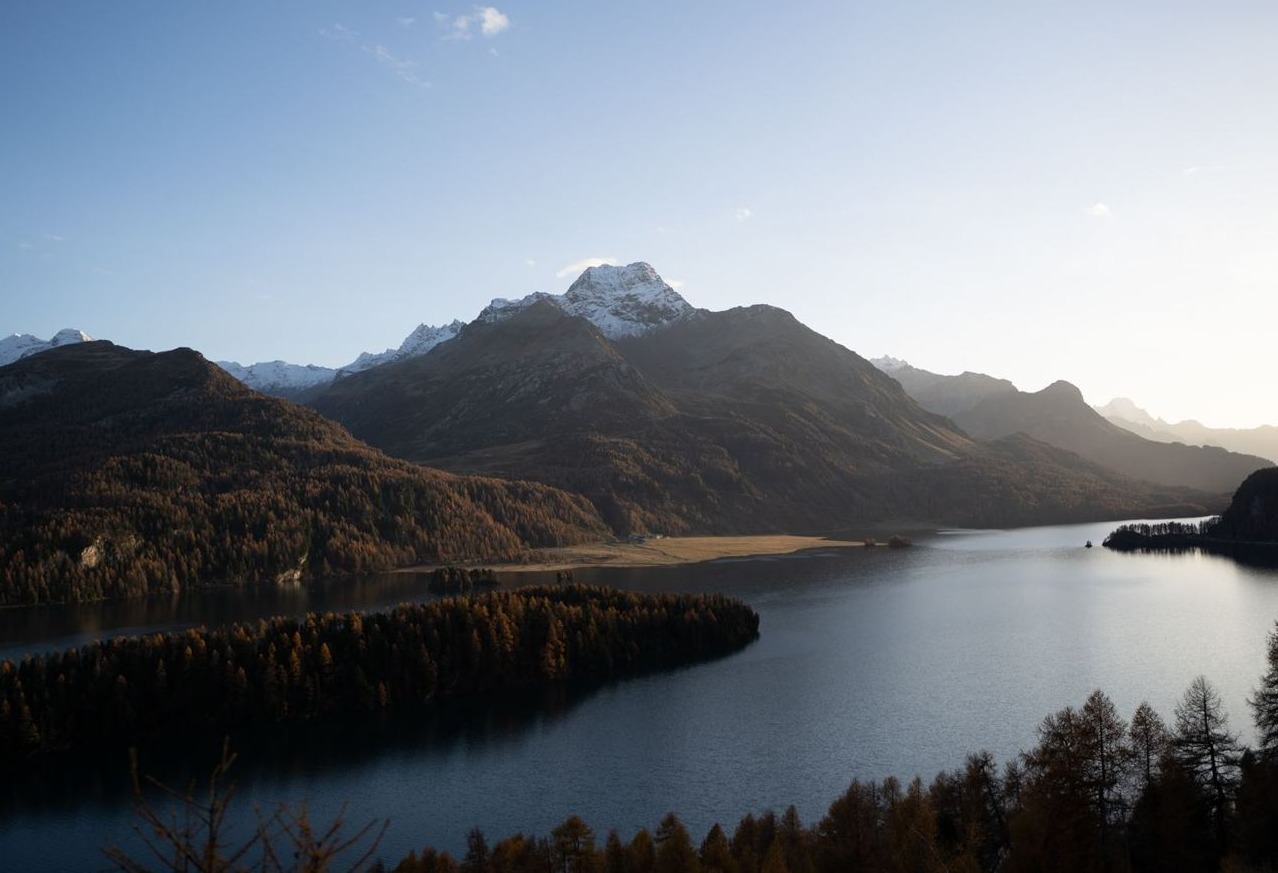
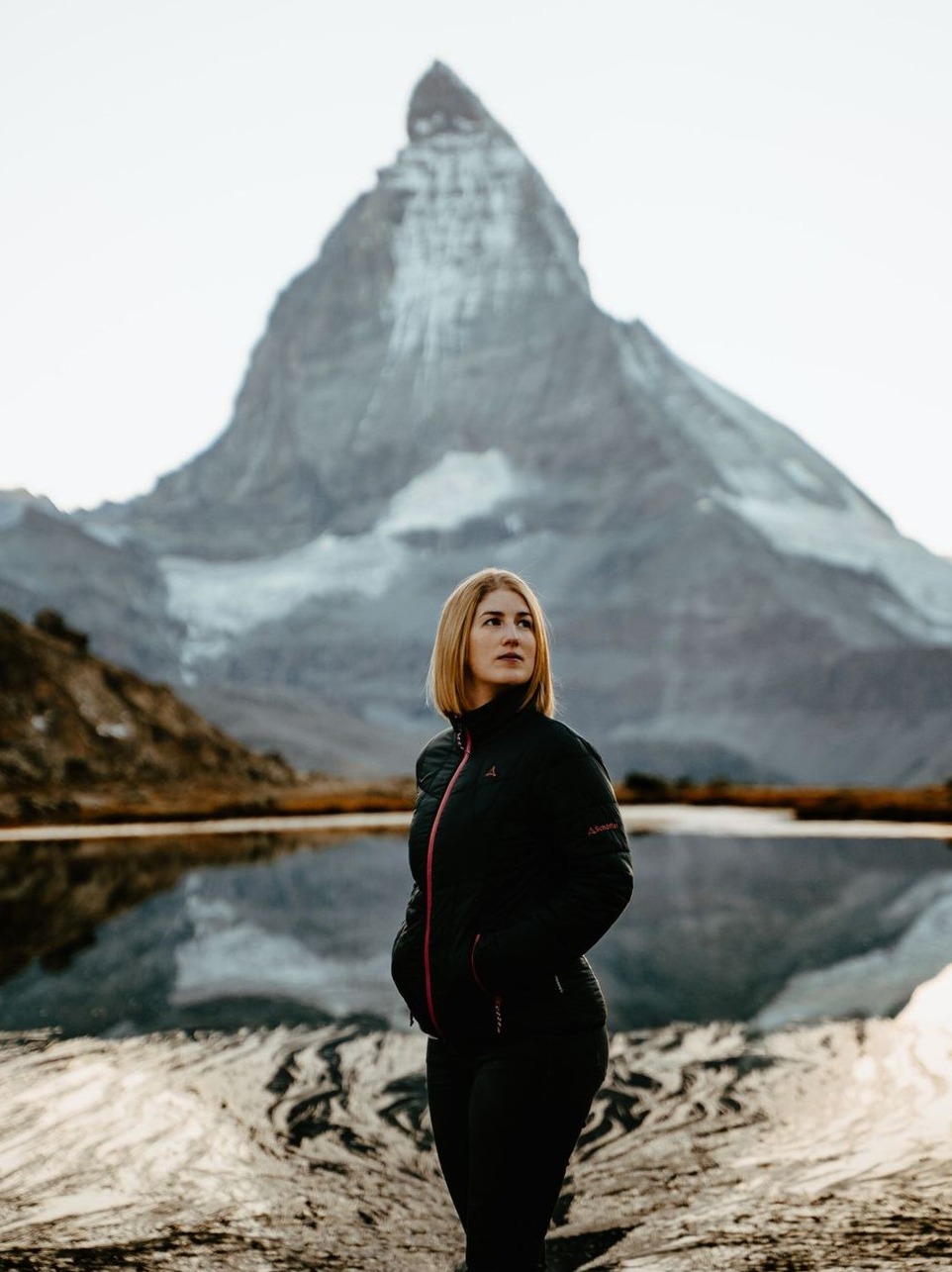
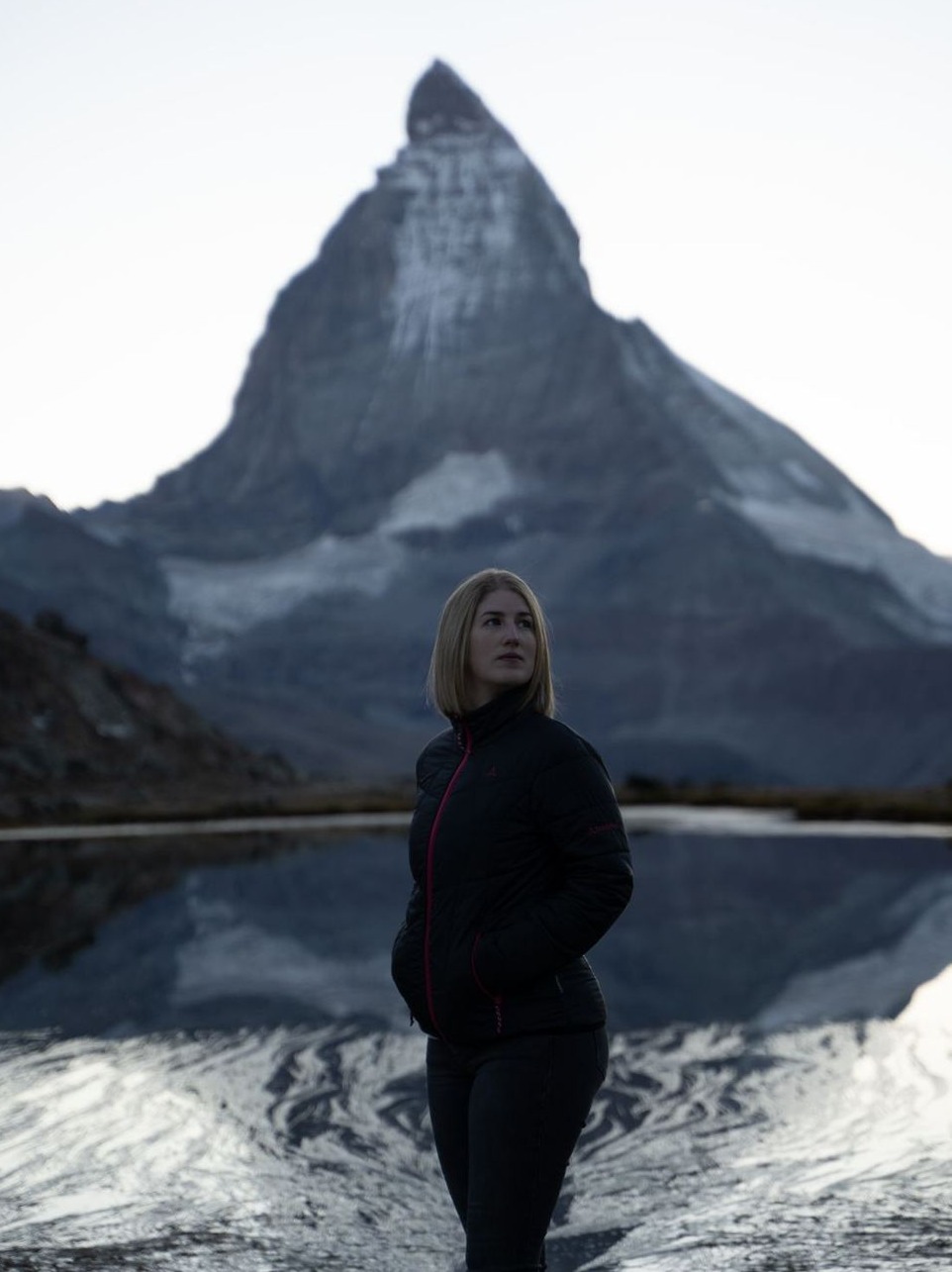
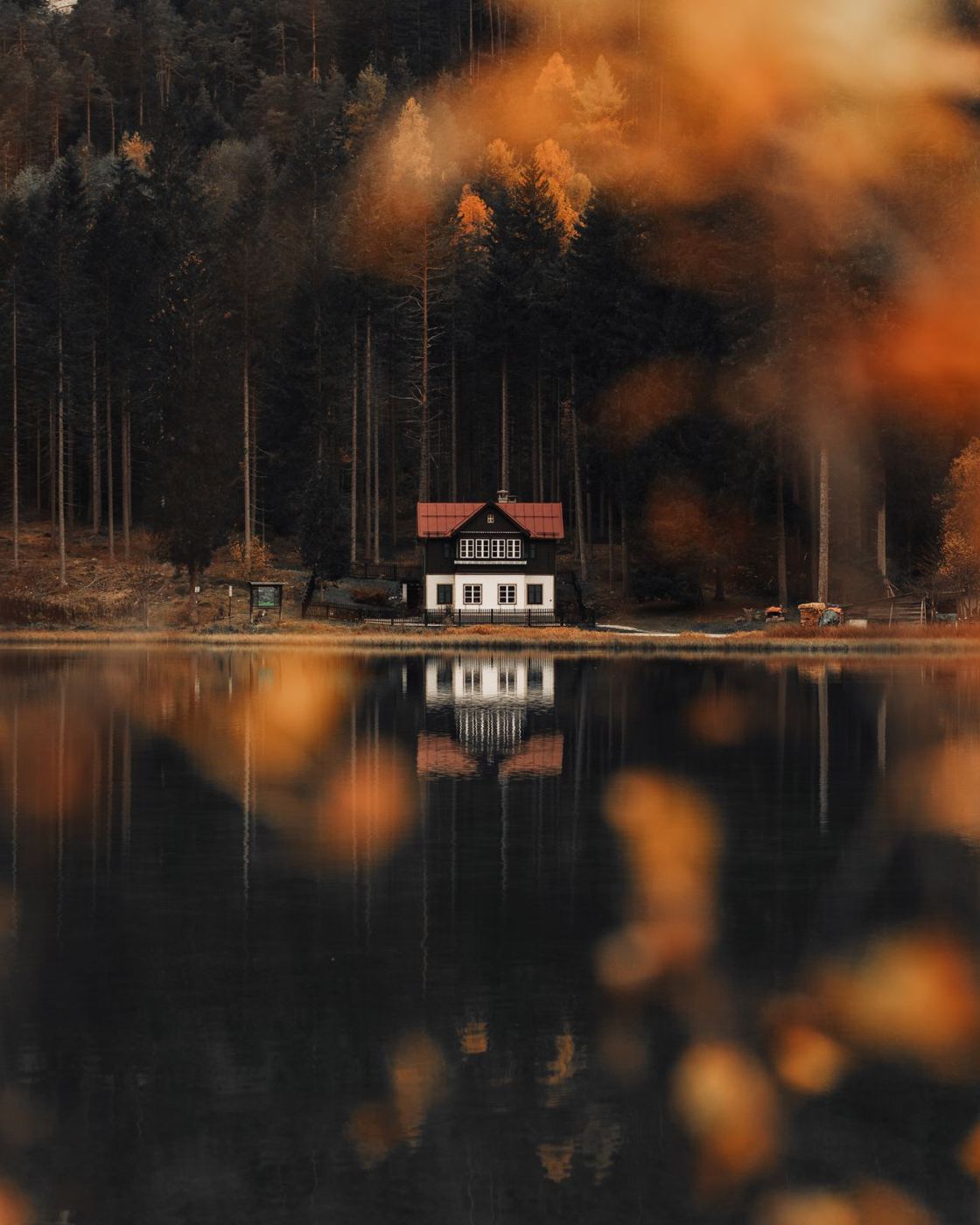
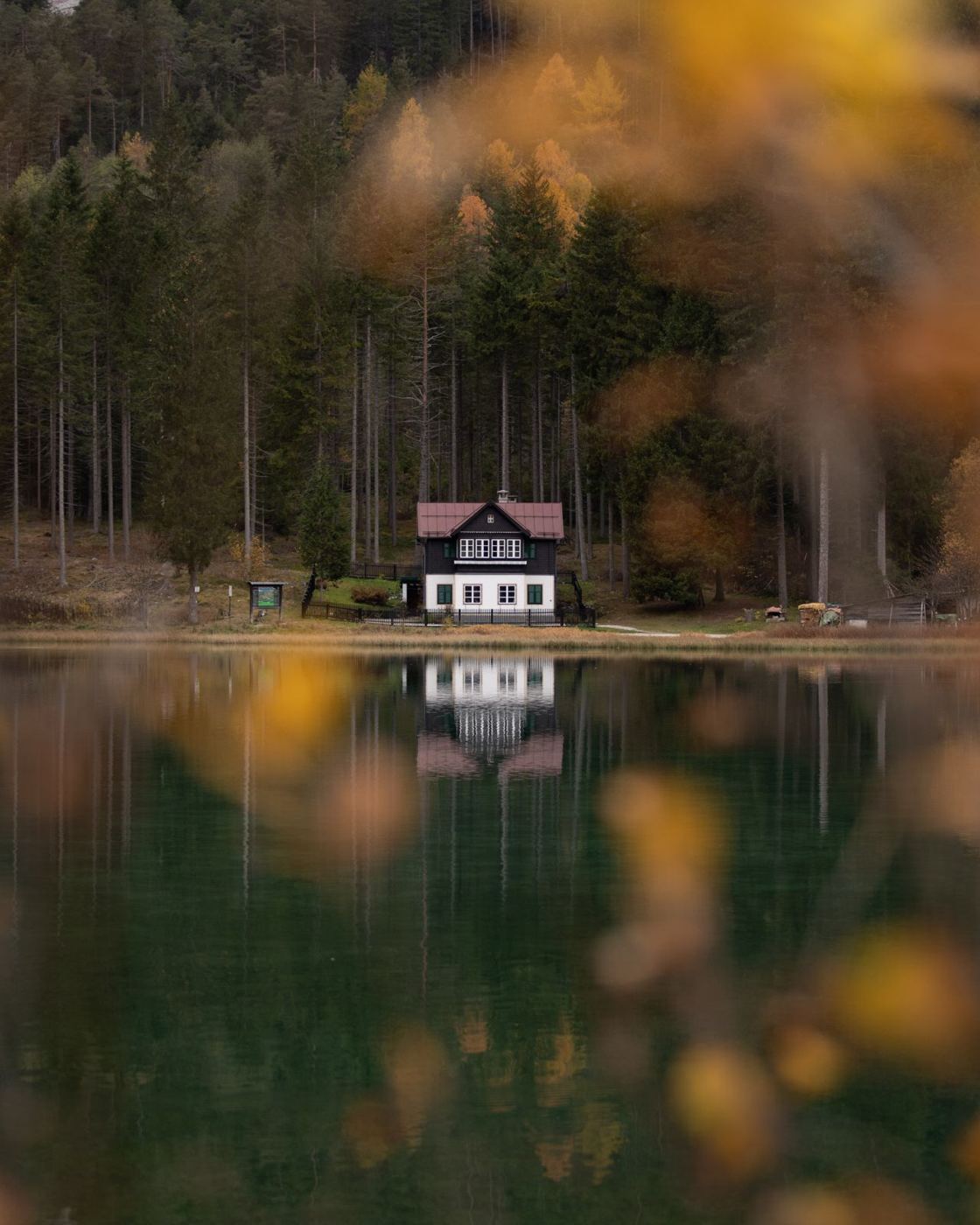
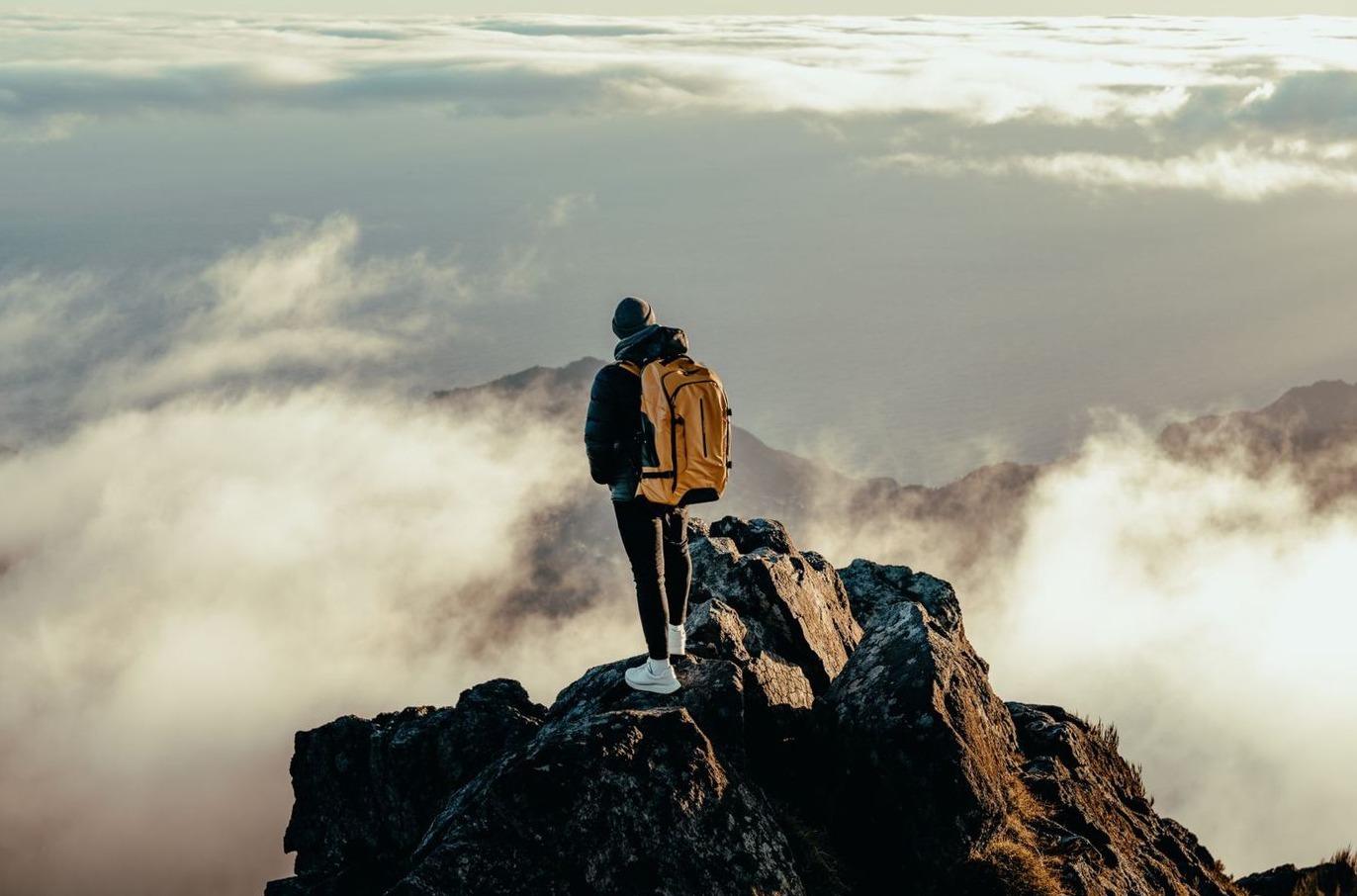
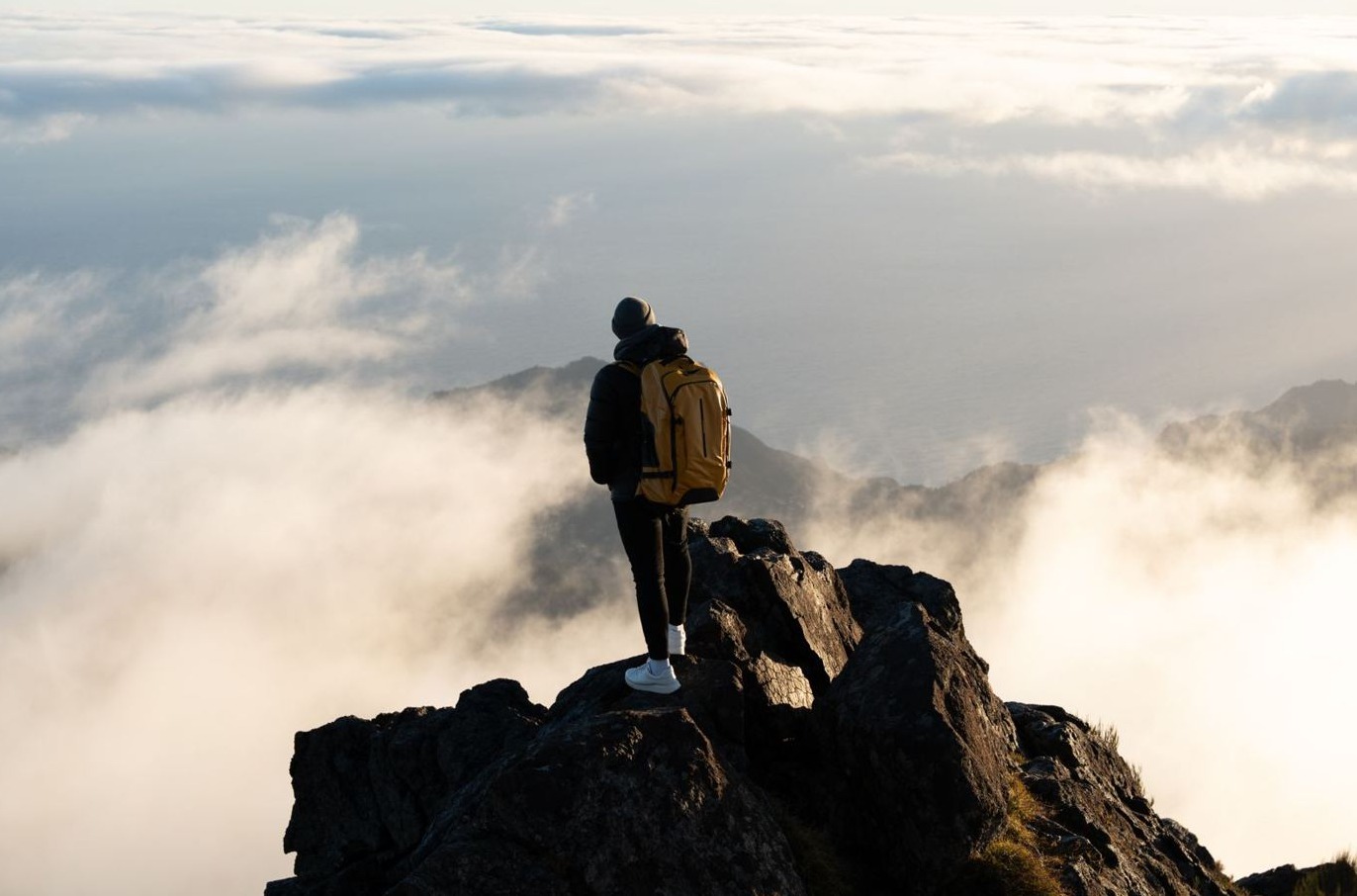
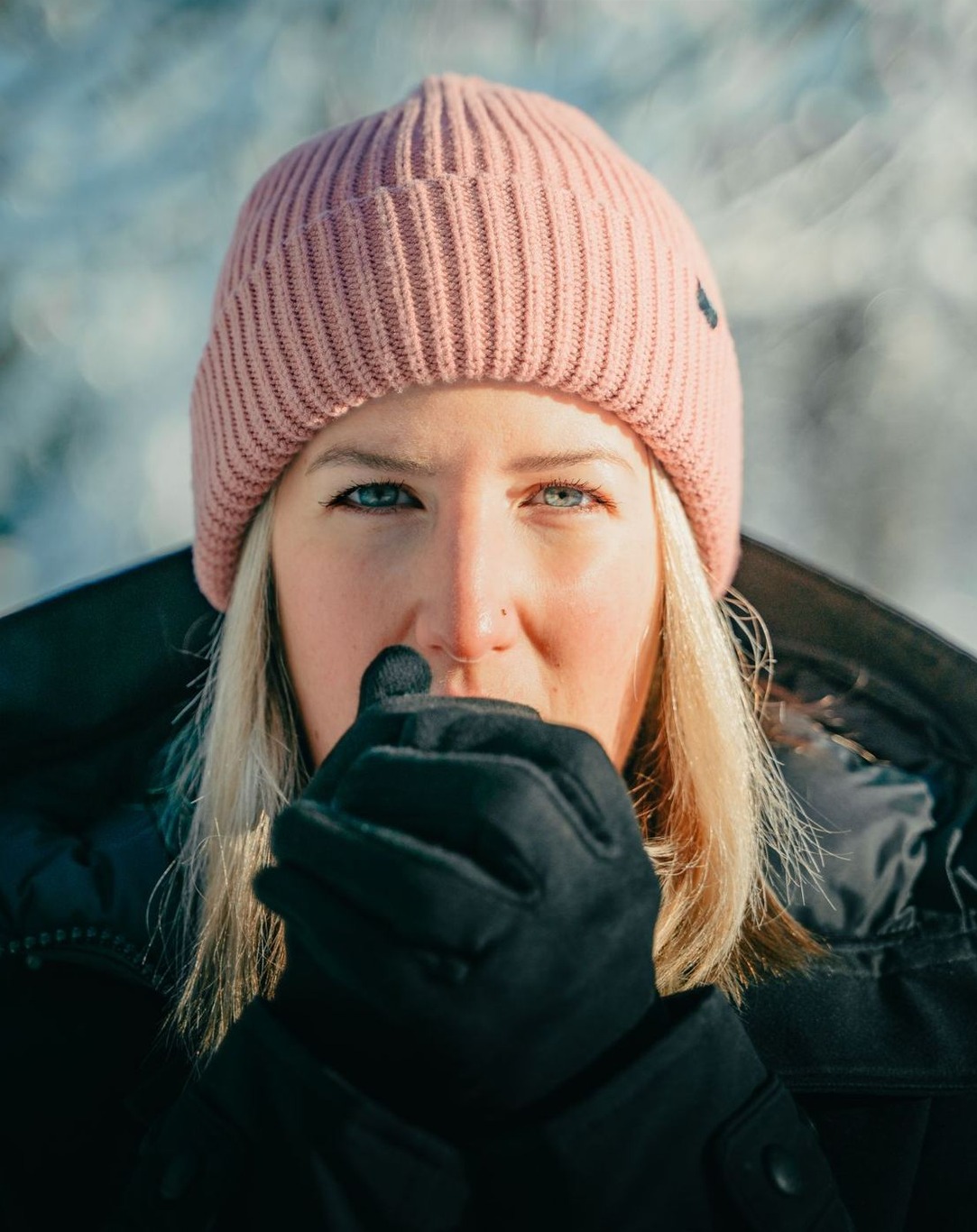
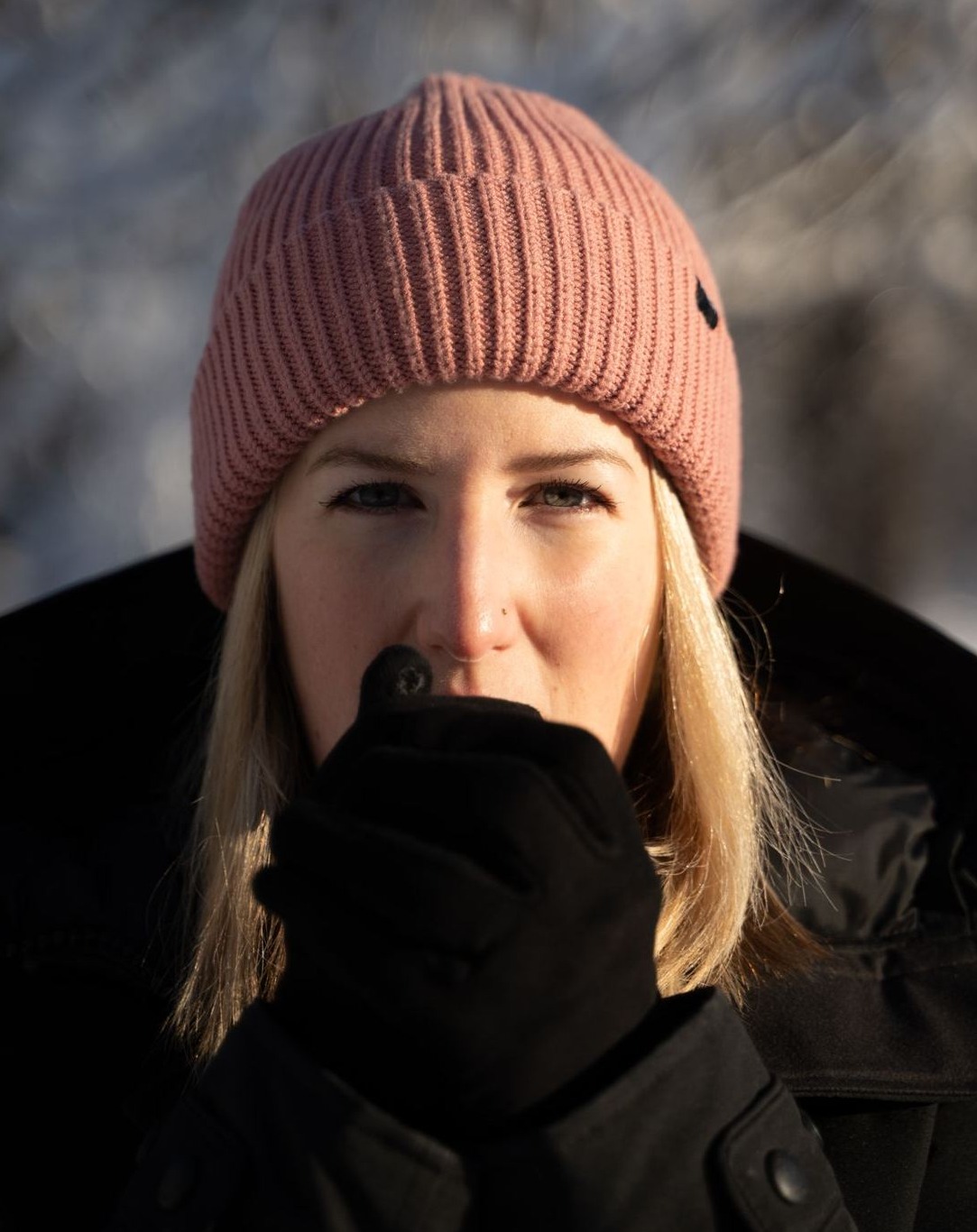
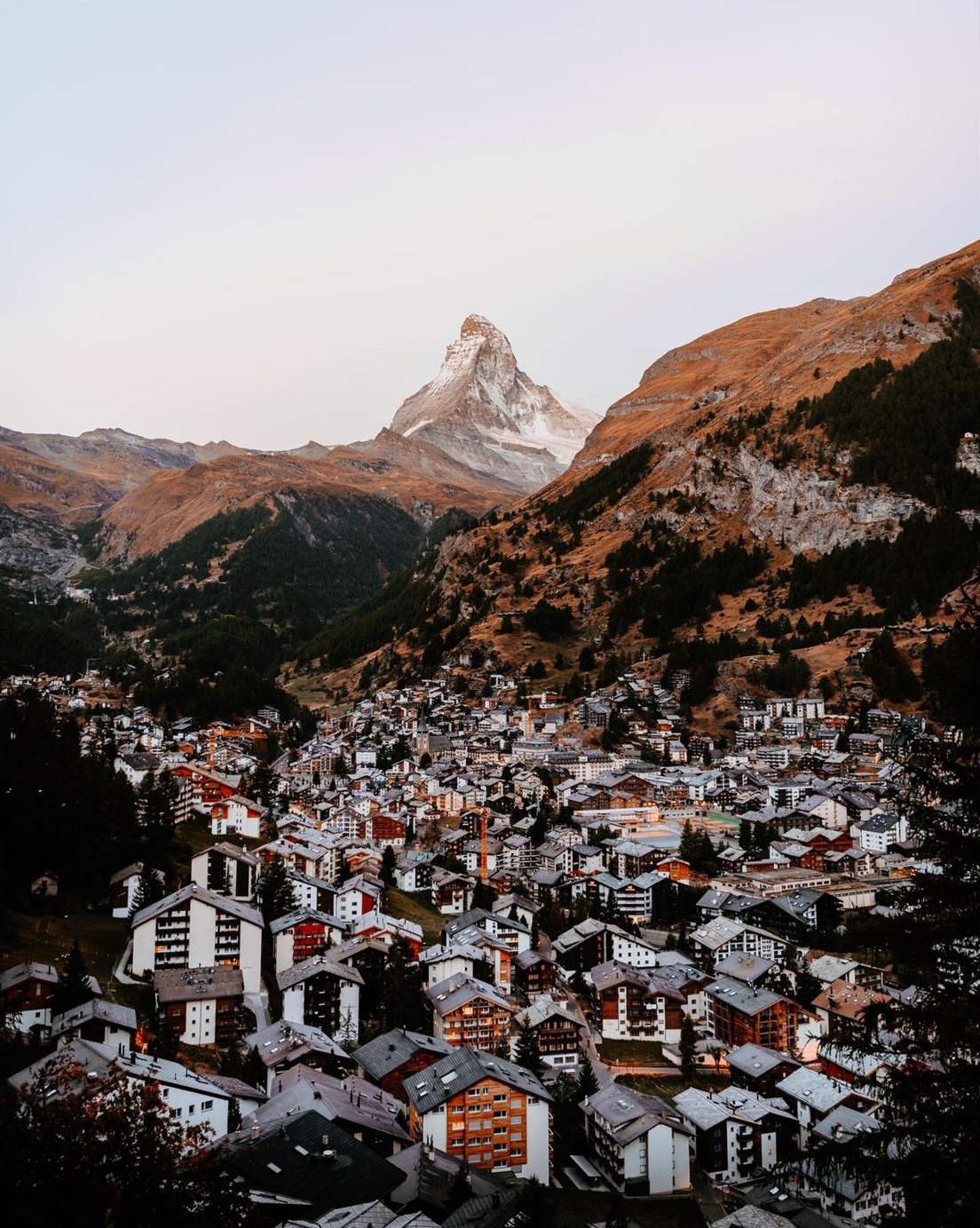
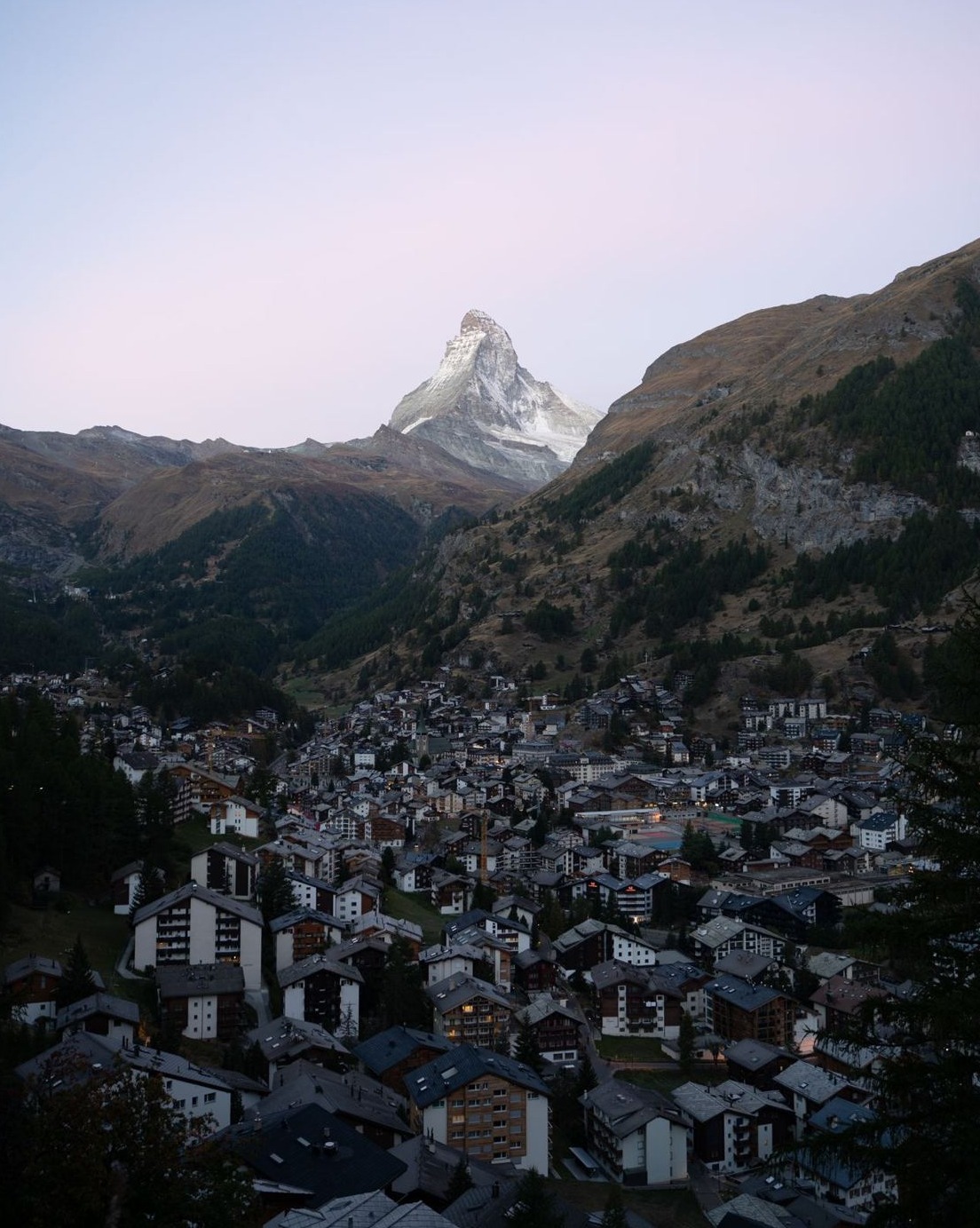
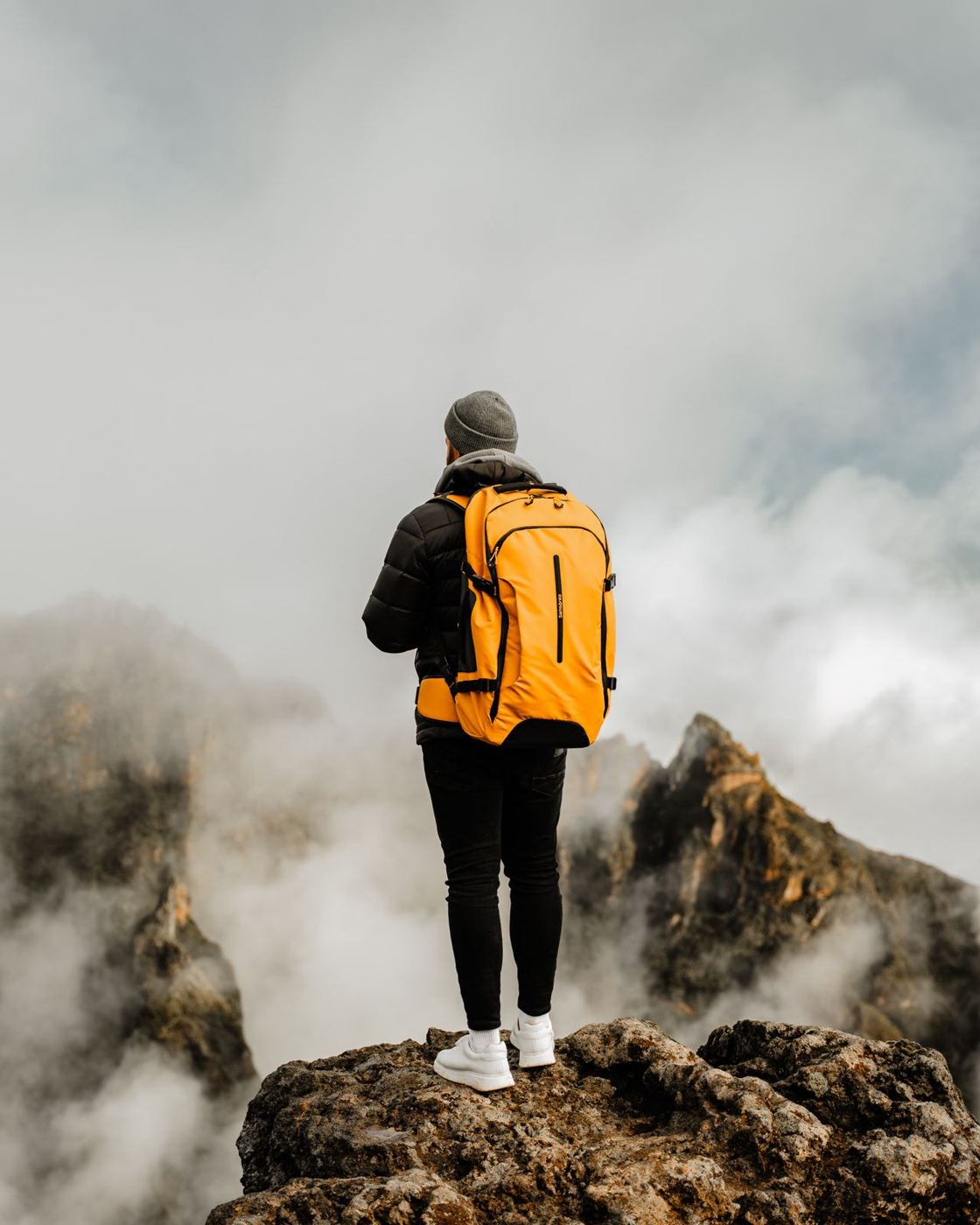
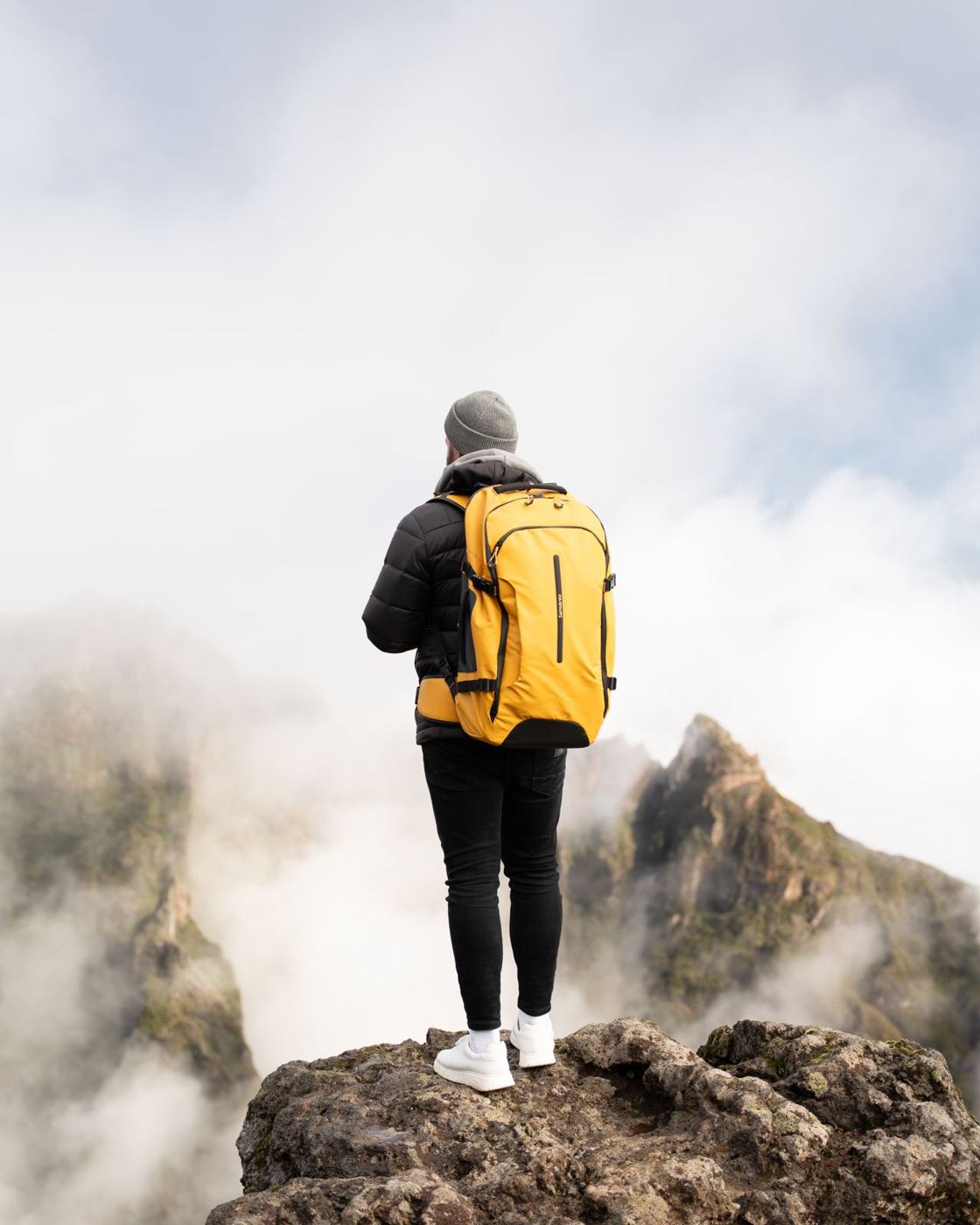
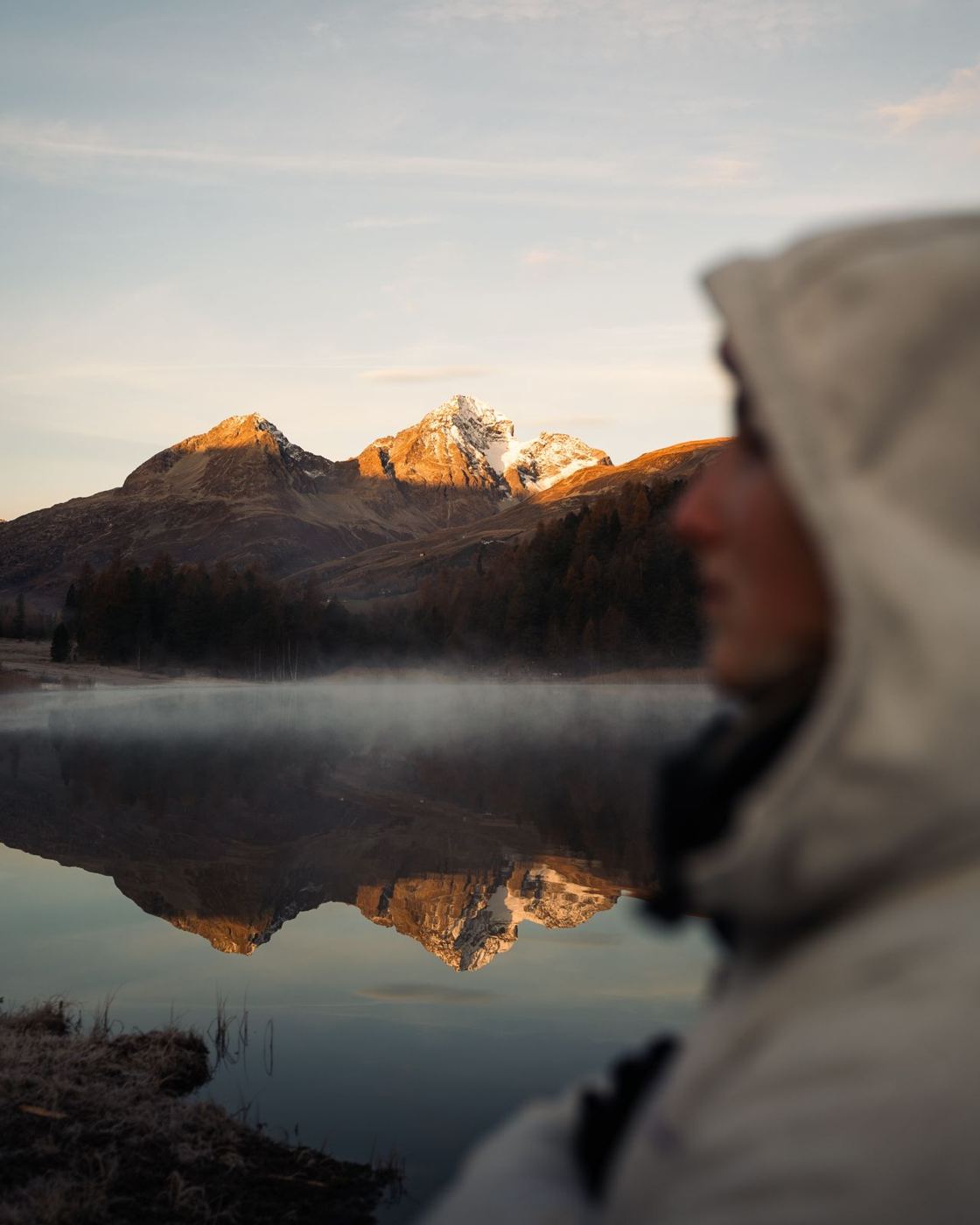
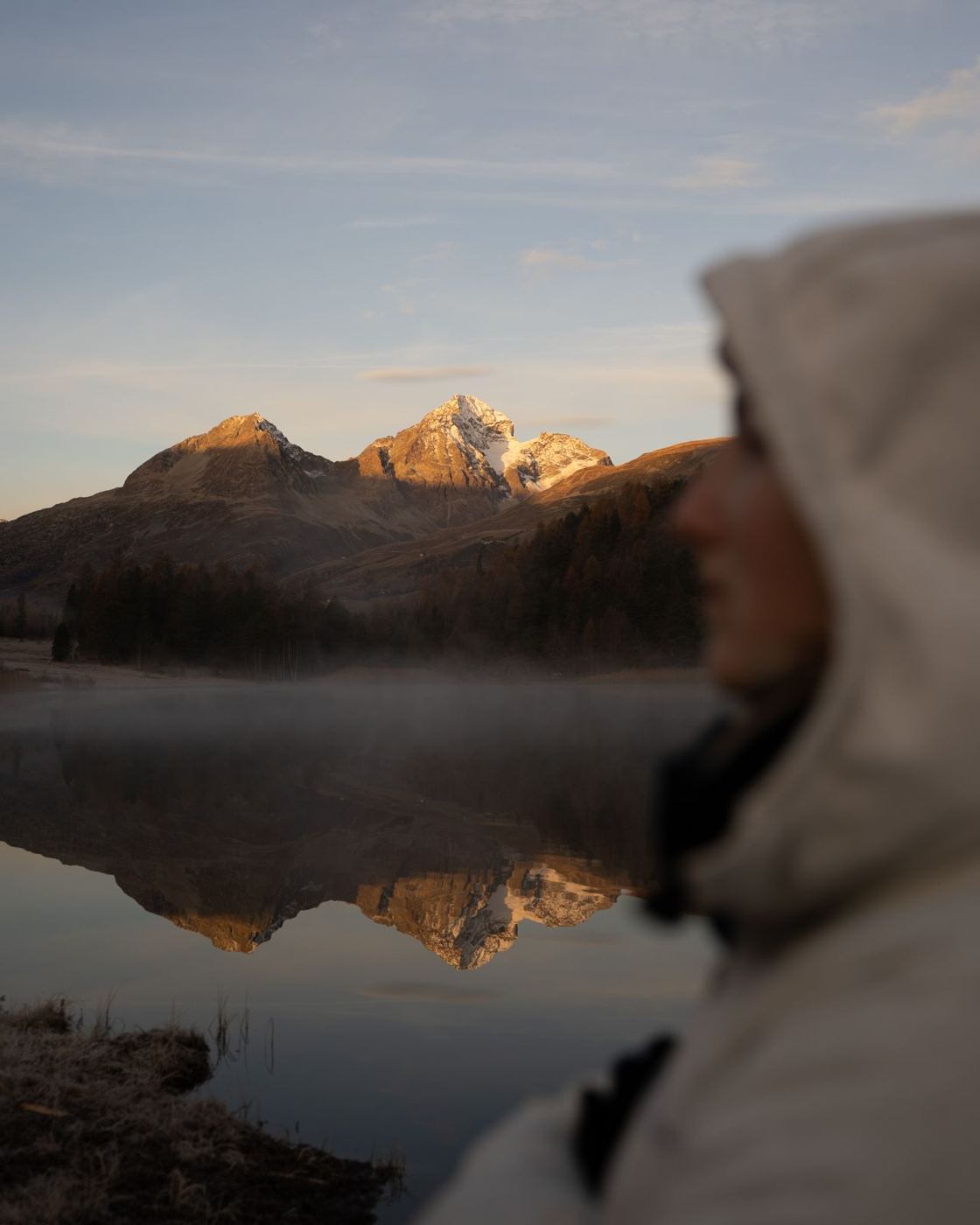
Lightroom presets · portrait, lifestyle, travel
Photos that look finished in one click.
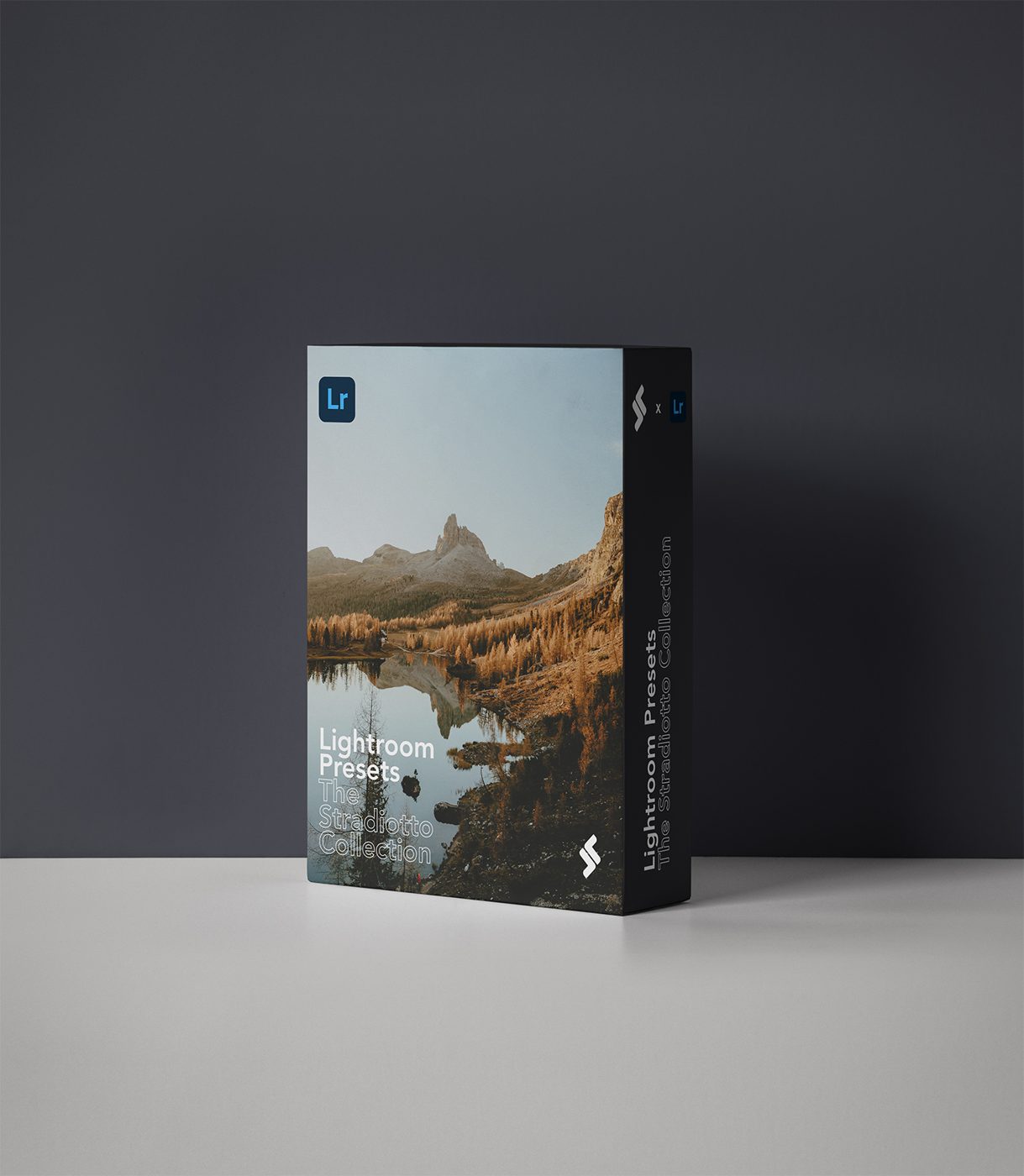
15 clean, timeless Lightroom presets for portraits, lifestyle and travel, built on my own shoots, so skin, skies and shadows already sit right.
Secure checkout by Stripe · price shown in your currency at checkout
Digital download, delivered instantly. All sales final, no refunds. Problem with a file? Email me and I will fix it.






How it works
Import once. Edit in seconds.
- 01Import the presetsAdd the .xmp files to Lightroom Classic, desktop or mobile. The guide walks you through it.
- 02Pick a lookClick once on a preset. Skies, skin and shadows are already balanced.
- 03Fine-tuneNudge exposure and white balance to suit your photo. It's a starting point, not a filter.
Questions
Before you buy.
Refund policy
This is a digital product that is delivered instantly, so all sales are final and I do not offer refunds.
If the files are damaged, missing or will not open, email hello@thestradiotto.com with your order email and I will fix it or send a replacement. Not sure if it fits your camera or software? Ask before you buy.
Lightroom Classic, Lightroom desktop and Lightroom mobile. The install guide in the download covers each one.
Close to it. Click a preset, then adjust exposure and white balance for your photo. Every image is different, so expect small tweaks.
Right after payment you get a download link on screen and by email. Download on a computer, unzip, and follow the install guide.
Personal and commercial projects are fine. Do not resell, share or redistribute the preset files.
A download with the .xmp preset files, an installation guide for Lightroom Classic, desktop and mobile, and nothing hidden. Install once and the presets show up in your panel.
They work on any photo, but presets are a starting point, not a magic button. Shooting in RAW with a decent exposure gives the best result. Expect to adjust exposure and white balance for each image.
Yes, they apply to JPEG too, though RAW gives you far more room. On mobile, install through Lightroom mobile using the guide in the download.
No. These are digital downloads delivered instantly, so all sales are final. If a file is broken or will not install, email me and I will fix it quickly.
Installation
Installing your presets
It takes about two minutes. Stuck? Email hello@thestradiotto.com.
Unzip the download. Inside are .xmp preset files.
Lightroom Classic: in the Develop module, click the plus next to Presets and choose Import Presets. Lightroom: open Presets in the Edit panel, then the three dots and Import Presets.
Select the .xmp files. Your presets appear in the Presets panel, ready to click.
For brands
Need this look on a campaign? Let's shoot.